> ## Documentation Index
> Fetch the complete documentation index at: https://docs.occtoo.com/llms.txt
> Use this file to discover all available pages before exploring further.
# Find cards
> Sort, filter and search the cards list, and read the status on each card.
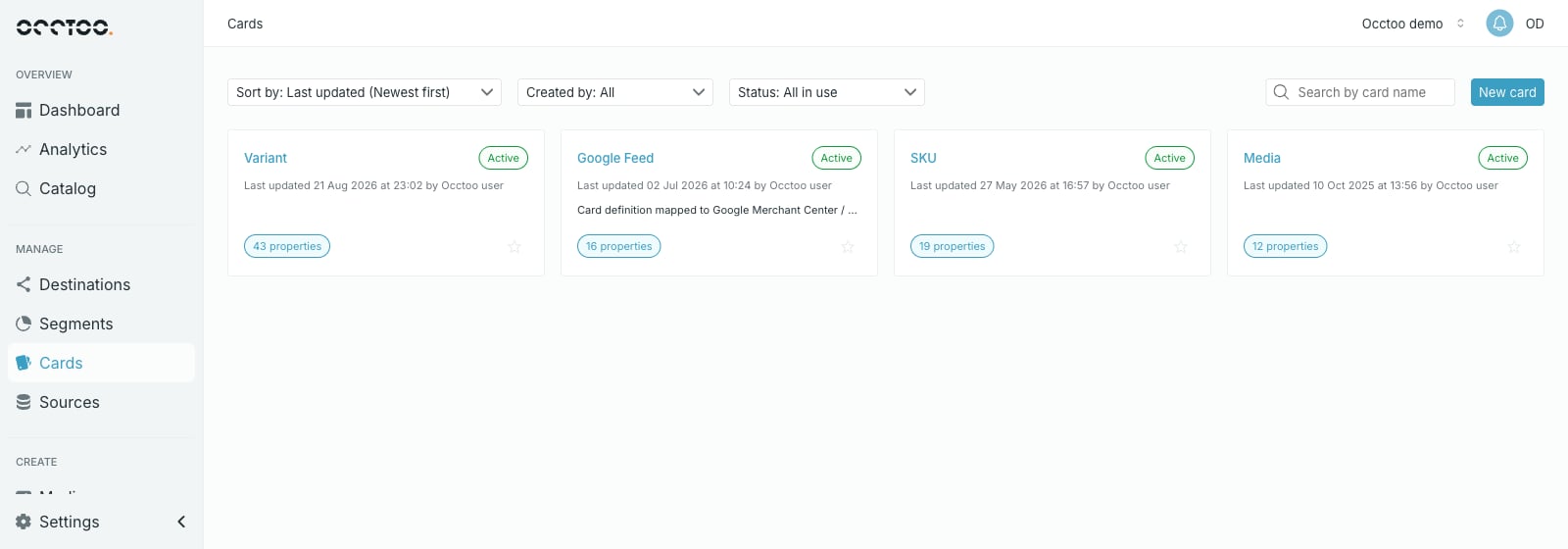
The **Cards** page lists every card in the tenant. Each card shows its status, when it was last updated and how many properties it holds.
 ## Sort and filter
Three controls sit above the list.
## Sort and filter
Three controls sit above the list.
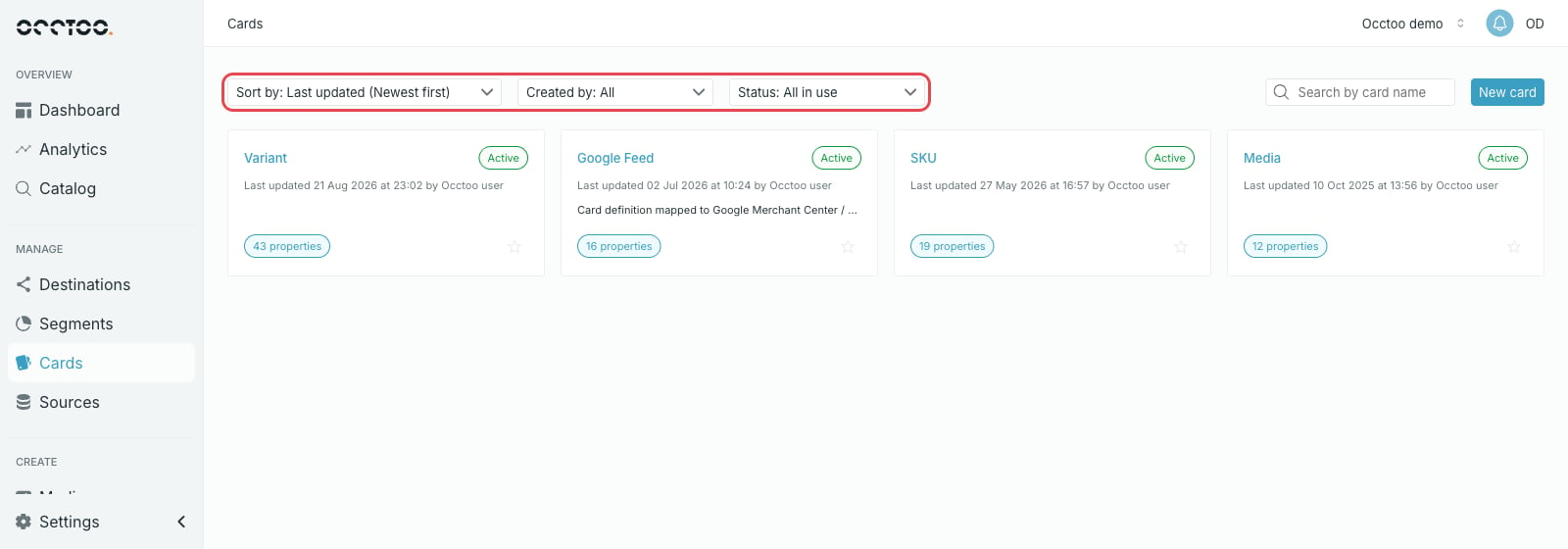 * **Sort by** — **Last updated (Newest first)** (the default), **Last updated (Oldest first)**, **Name ascending (A-Z)** or **Name descending (Z-A)**.
* **Created by** — narrows the list to cards created by one user.
* **Status** — see below.
Use **Search by card name** to match on name. Search, filters and sorting apply together.
## Status filter
The status list is split in two groups: **In use** and **Not in use**.
* **Sort by** — **Last updated (Newest first)** (the default), **Last updated (Oldest first)**, **Name ascending (A-Z)** or **Name descending (Z-A)**.
* **Created by** — narrows the list to cards created by one user.
* **Status** — see below.
Use **Search by card name** to match on name. Search, filters and sorting apply together.
## Status filter
The status list is split in two groups: **In use** and **Not in use**.
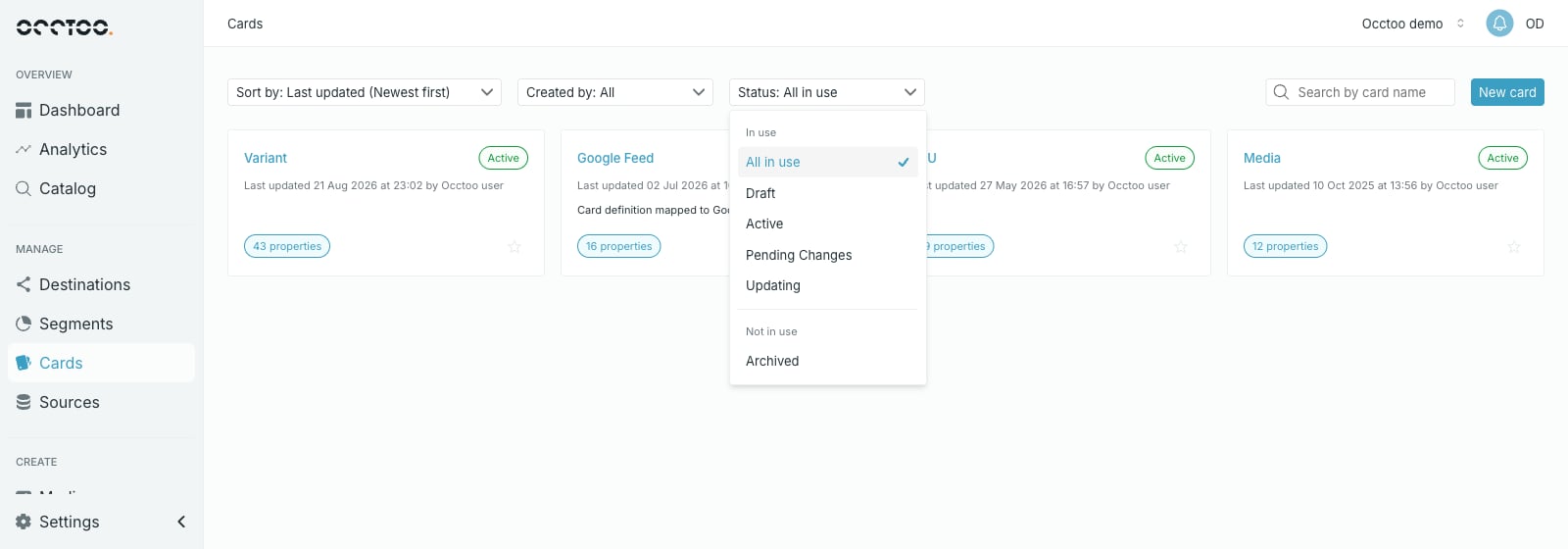 **All in use** is the default and shows everything except archived cards. To see archived cards, pick **Archived**.
Archived cards are hidden until you filter for them, so a card that seems to
have disappeared from the list has usually been archived. See [Archive and
restore a card](/guides/studio/cards/archive-and-restore-a-card).
## Card statuses
* **Draft** — the card has never been activated. Properties can be added, changed and removed freely.
* **Active** — the card is in use and can be selected in segments and destinations.
* **Pending Changes** — the card is active and has uncommitted changes to its properties or relations. Activate the card to apply them.
* **Updating...** — changes are being applied. The card cannot be edited, archived, deleted or copied until this finishes.
* **Archiving...** — the card is being archived and should finish shortly.
* **Archived** — the card is not in use. It can be restored, copied or deleted.
The two in-progress statuses are shown with trailing dots on the card badge,
while the **Status** filter lists them as **Updating** and **Archiving**.
## Favourites
The star on each card pins it to your dashboard.
**All in use** is the default and shows everything except archived cards. To see archived cards, pick **Archived**.
Archived cards are hidden until you filter for them, so a card that seems to
have disappeared from the list has usually been archived. See [Archive and
restore a card](/guides/studio/cards/archive-and-restore-a-card).
## Card statuses
* **Draft** — the card has never been activated. Properties can be added, changed and removed freely.
* **Active** — the card is in use and can be selected in segments and destinations.
* **Pending Changes** — the card is active and has uncommitted changes to its properties or relations. Activate the card to apply them.
* **Updating...** — changes are being applied. The card cannot be edited, archived, deleted or copied until this finishes.
* **Archiving...** — the card is being archived and should finish shortly.
* **Archived** — the card is not in use. It can be restored, copied or deleted.
The two in-progress statuses are shown with trailing dots on the card badge,
while the **Status** filter lists them as **Updating** and **Archiving**.
## Favourites
The star on each card pins it to your dashboard.