> ## Documentation Index
> Fetch the complete documentation index at: https://docs.occtoo.com/llms.txt
> Use this file to discover all available pages before exploring further.
# Schedule a segment
> Give a segment a start and end date to control when it is active for destinations.
A schedule decides when a segment sends data to the destinations it is connected to. You set it under **Schedule segment** when you create a segment, and you can change it later from the segment page.
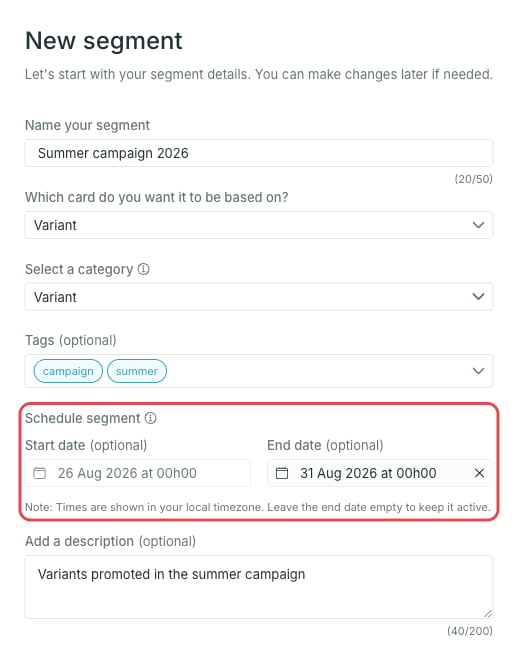 * **Start date** — optional. Before this date the segment is **Scheduled** and inactive.
* **End date** — optional. On this date the segment is archived automatically.
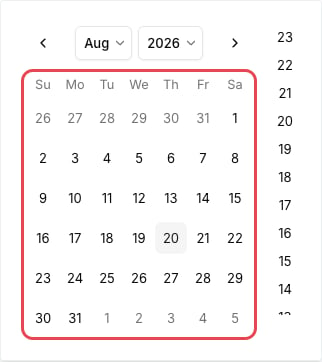
Both fields use a date and hour picker.
* **Start date** — optional. Before this date the segment is **Scheduled** and inactive.
* **End date** — optional. On this date the segment is archived automatically.
Both fields use a date and hour picker.
 Times are shown in your local timezone. Leave the end date empty to keep the segment active indefinitely.
## Segment statuses
The status is shown next to the segment in the list and in the **Status** tile on the segment page.
| Status | Meaning |
| ------------ | ------------------------------------------------------------------------------------------------------------------------------------------------------------------------- |
| Initializing | The segment is being initialized and becomes active shortly. |
| Scheduled | The segment is inactive. It starts sending data to connected destinations on the start date. |
| Active | The segment receives data updates and sends them to all connected destinations. With an end date set, it stays active until that date and is then archived automatically. |
| Archived | The segment is inactive and no longer receives data updates. |
## Change the schedule
Open the segment and press **Edit** in the **Segment details** widget. The dialog holds the same start and end date fields.
Times are shown in your local timezone. Leave the end date empty to keep the segment active indefinitely.
## Segment statuses
The status is shown next to the segment in the list and in the **Status** tile on the segment page.
| Status | Meaning |
| ------------ | ------------------------------------------------------------------------------------------------------------------------------------------------------------------------- |
| Initializing | The segment is being initialized and becomes active shortly. |
| Scheduled | The segment is inactive. It starts sending data to connected destinations on the start date. |
| Active | The segment receives data updates and sends them to all connected destinations. With an end date set, it stays active until that date and is then archived automatically. |
| Archived | The segment is inactive and no longer receives data updates. |
## Change the schedule
Open the segment and press **Edit** in the **Segment details** widget. The dialog holds the same start and end date fields.
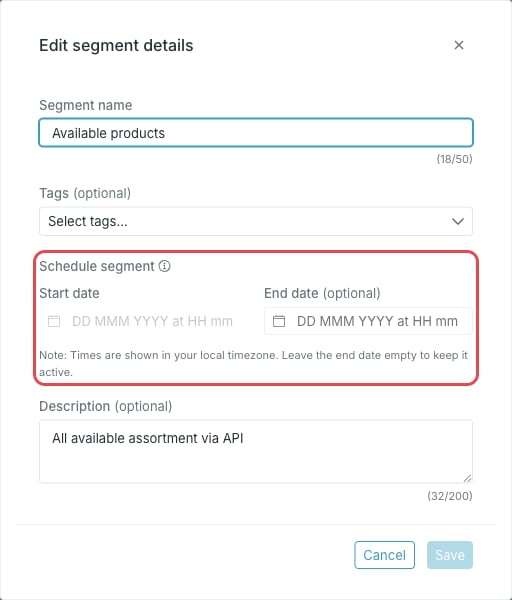 The start date cannot be changed once the segment is active — only the end date can.
## Find scheduled segments
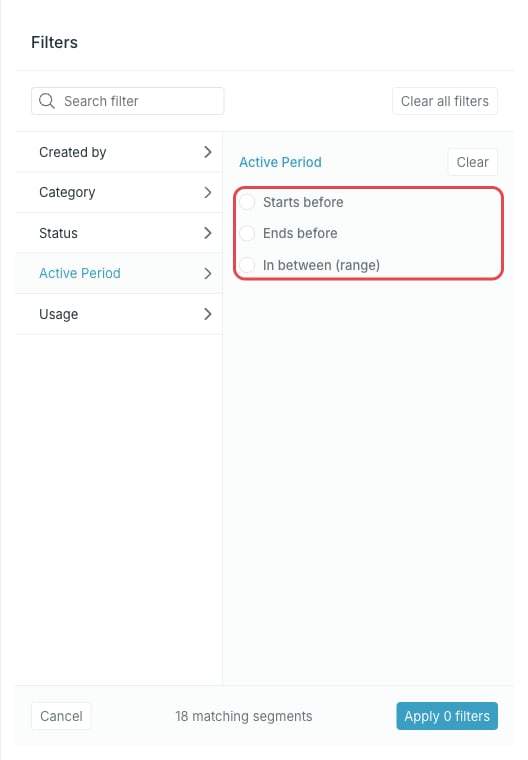
On the **Segments** page, use **Filter** to list segments by status, or by **Active Period** to find segments that start before, end before, or run within a given period.
The start date cannot be changed once the segment is active — only the end date can.
## Find scheduled segments
On the **Segments** page, use **Filter** to list segments by status, or by **Active Period** to find segments that start before, end before, or run within a given period.