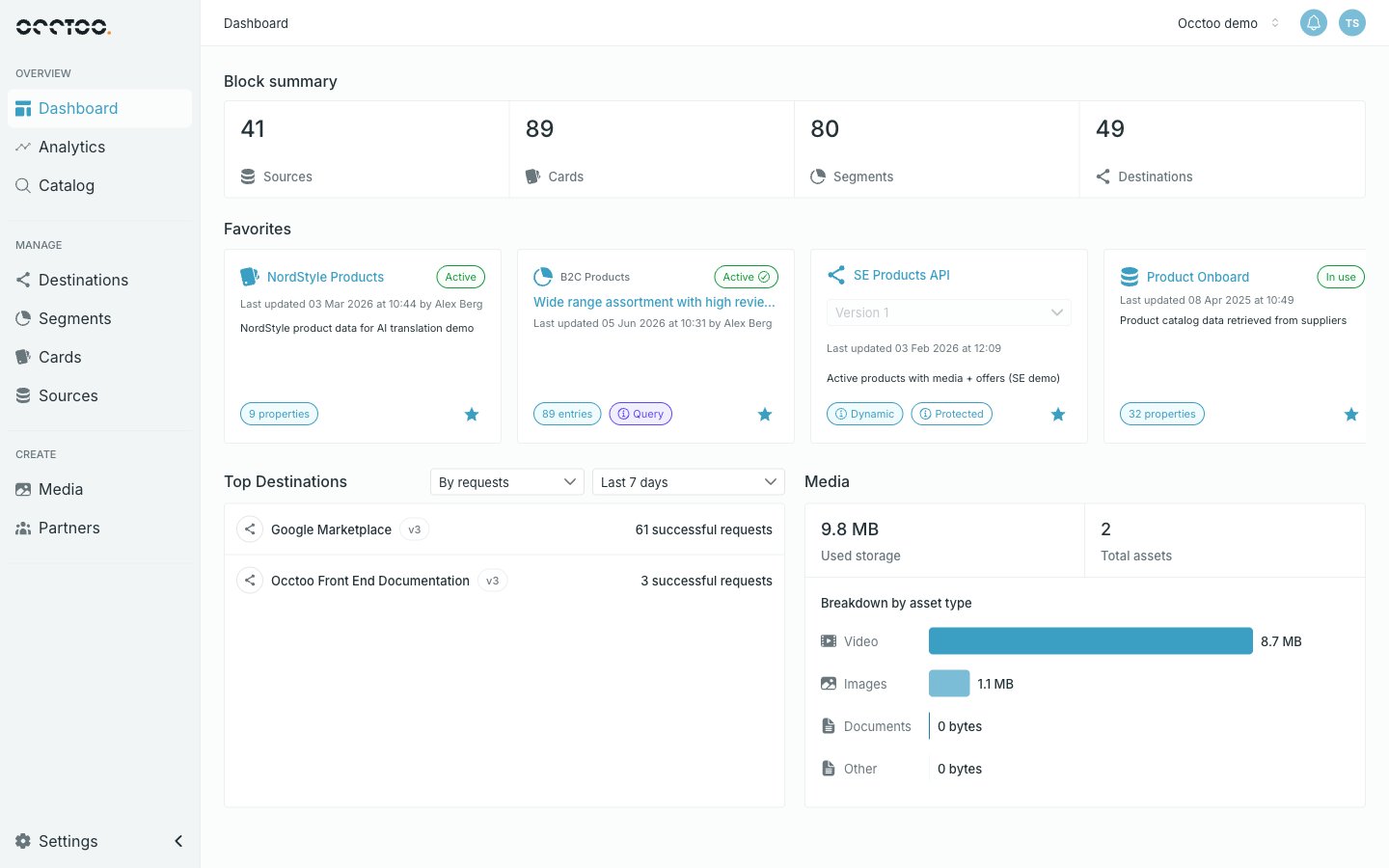
What you can do in Studio
Studio gives you a single place to:- Connect to your data sources. Pull in product information, media, content, and other data from the systems you already use.
- Combine and organize that data. Bring information from different sources together so it can be used as one coherent set.
- Publish to destinations. Make your data available to websites, apps, marketplaces, partners, or any system that needs it — through fast, ready-to-use APIs.
- Manage media. Upload, organize, and transform images and other assets so they’re ready for any channel.
- React to changes. Subscribe your own endpoints and queues to the events Occtoo publishes, so downstream systems hear about a change as it happens.
- Collaborate with your team. Invite colleagues, assign roles, and work together on the same workspace.
Who Studio is for
Studio is built for the mixed teams that usually own data and content work:- Business users and content editors who need to manage product information, media, and publishing without waiting on engineering.
- Data and operations teams who need to keep information flowing reliably between systems.
- Developers and integrators who want to expose well-structured data through APIs without building and maintaining the plumbing themselves.
From idea to launch
The Occtoo no-code Studio enables digital teams with no coding skills to select and connect data and content however they want when delivering the next digital experience.1. The idea
Build a mobile app for store associates, introduce a new feature on your e-commerce site, or even an in-car app.2. Connect data
Select and connect the data and content you need for the experience.3. Build
Provide developers with a documented Experience API containing only the exact data needed to build the experience in a frontend or to fuel a 3rd party application.4. Launch
Go live and see how customers respond. Start to collect data that can be re-used in your next experience.