Sign in without Microsoft account
After entering your email and pressing “Continue,” please check your inbox where you will receive a code. Once the code is entered, open the authenticator application to complete the login procedure.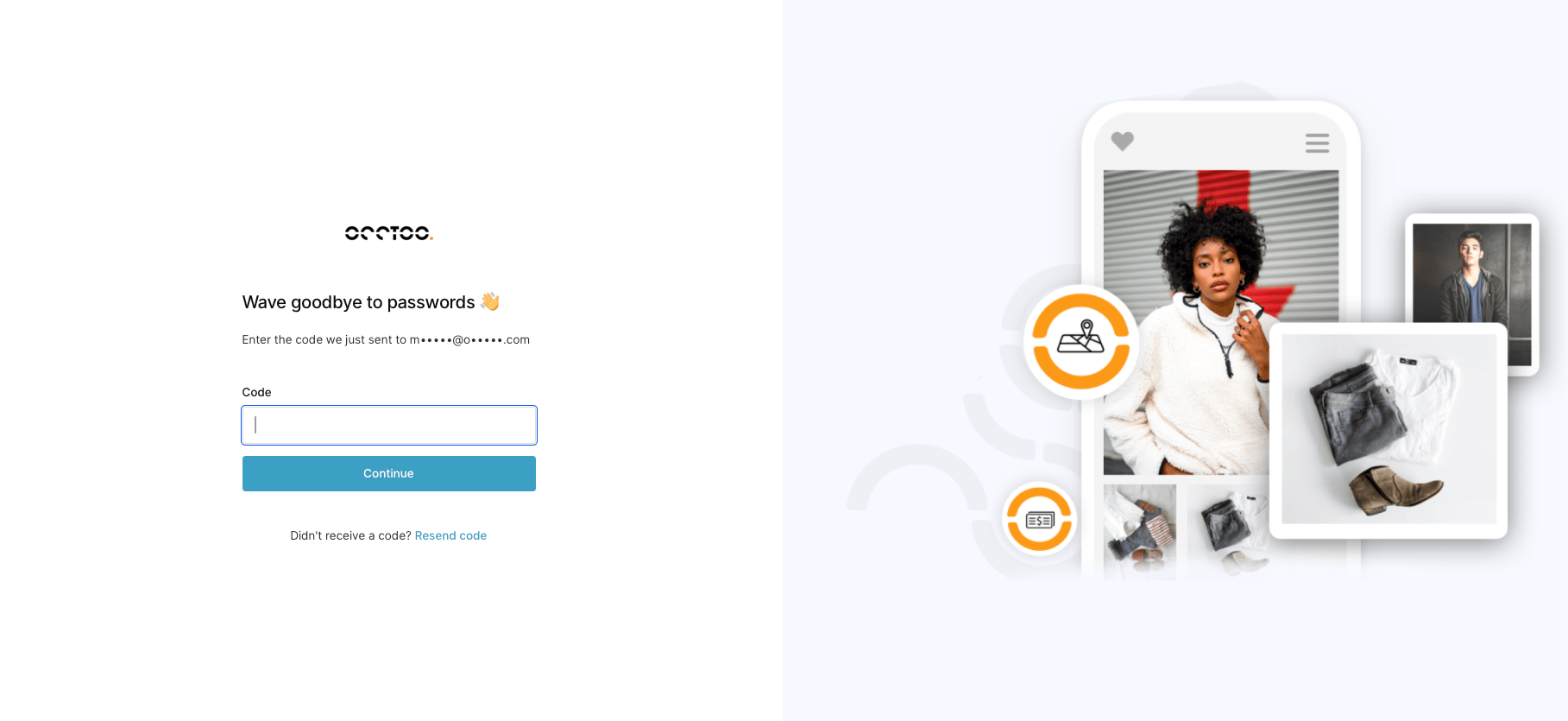
Sign in with Microsoft account
If your email is connected to a Microsoft account, press “Continue with Microsoft.” If your browser is already logged in to Microsoft, you will proceed directly to the final login step, which is obtaining the code from the authenticator application. If you’re not logged in, please follow the prompts provided by Microsoft.Configure authentication application
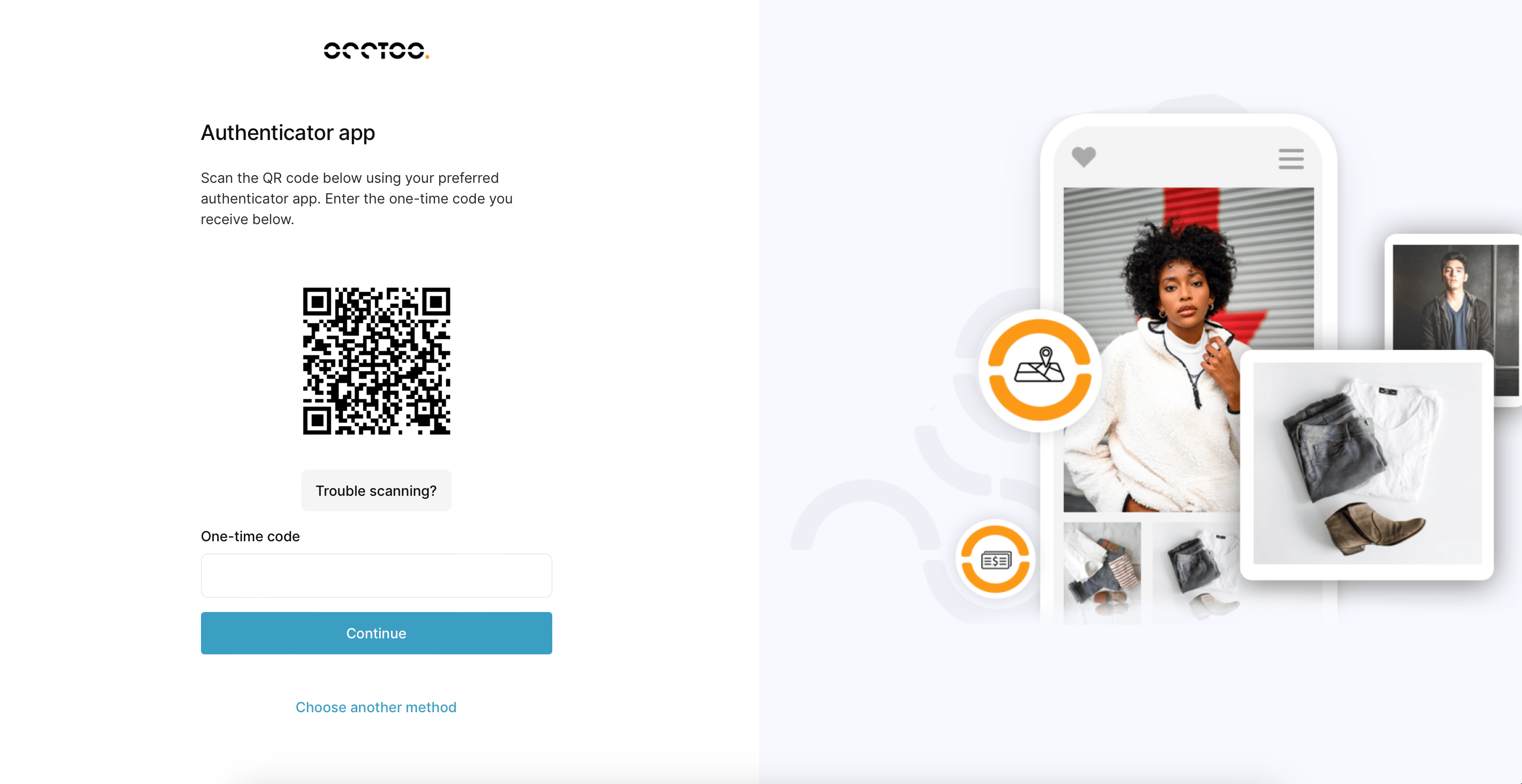
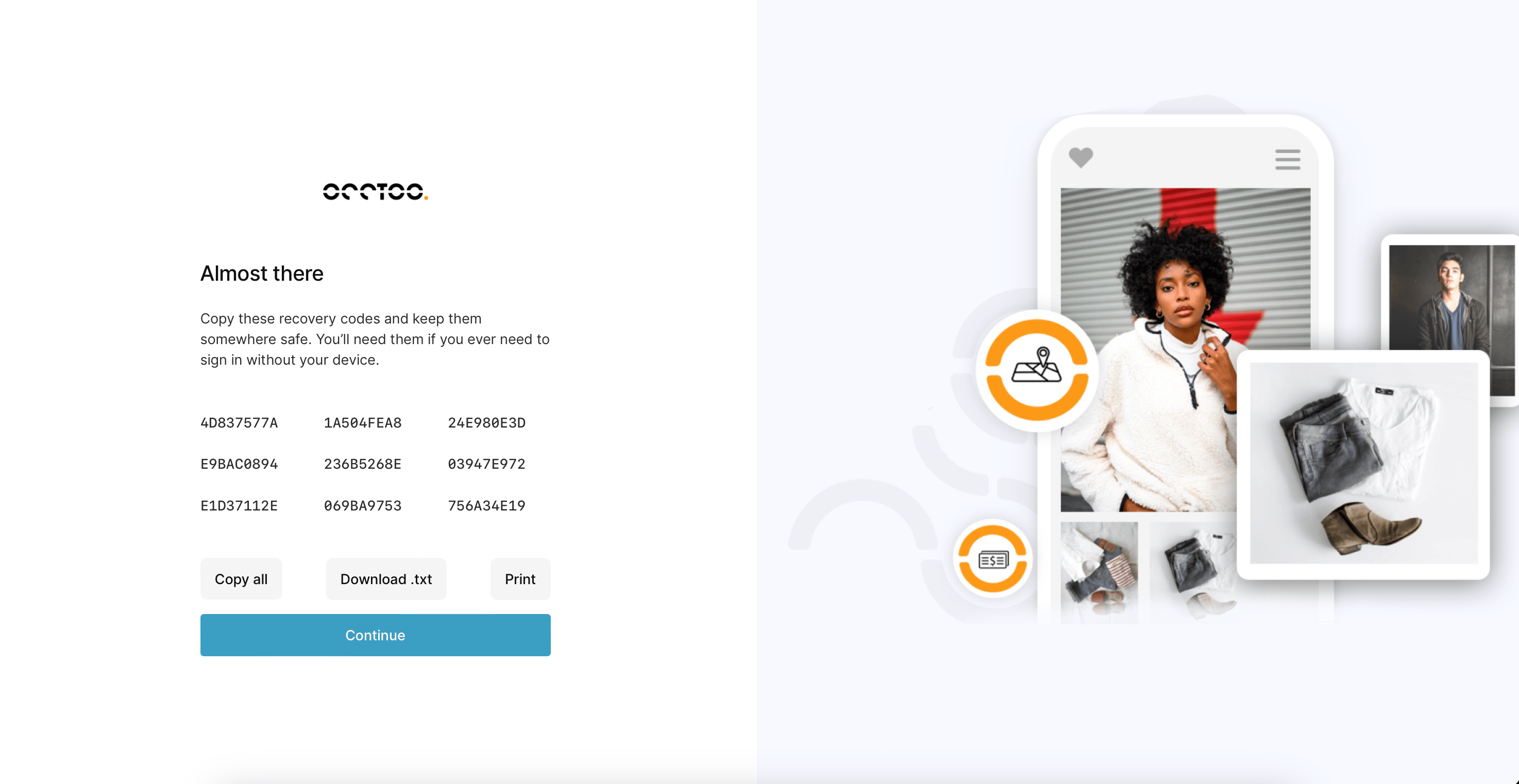
All authentication applications are supported. Follow the instructions in the authentication application to add Occtoo. After adding the authenticator, please save the security codes provided to reset the application if needed.