- Add products & media to the cart
- Download all product data together with images
- Select image resolution

- When you are satisfied with your cart you can easily just create a package and download all the content
How to share cart
1
Press the share cart button
If you want to share the cart with other Partnerzone users you can press the share cart button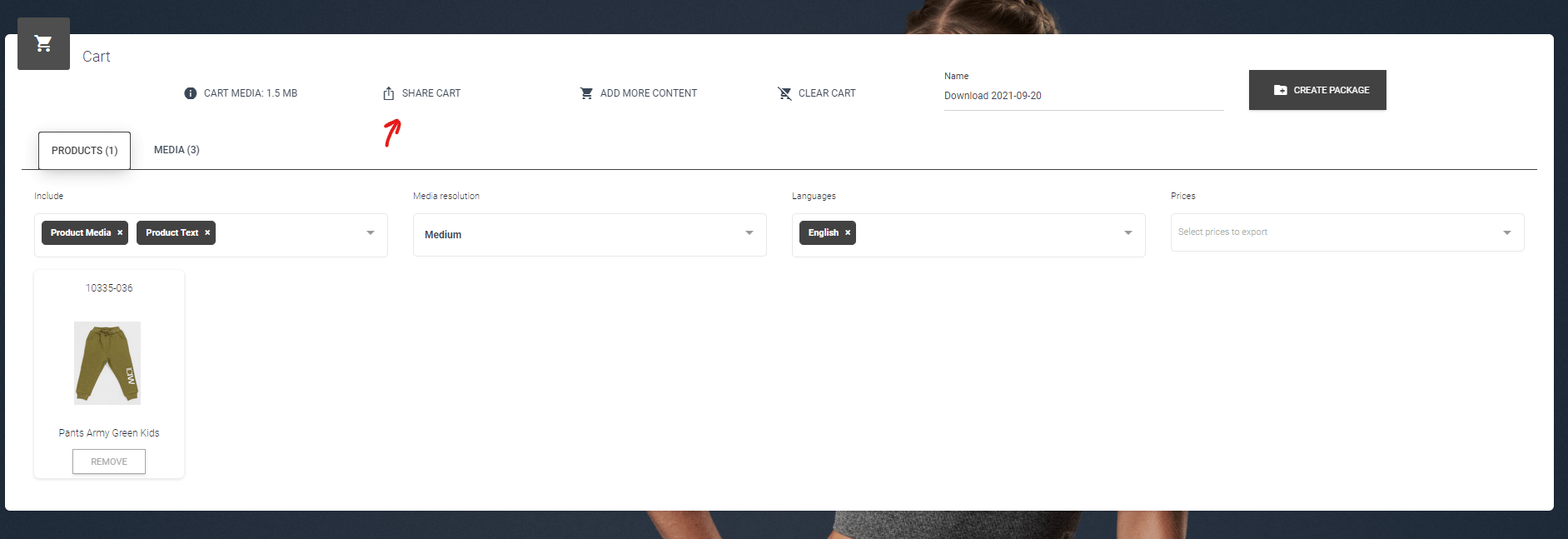
2
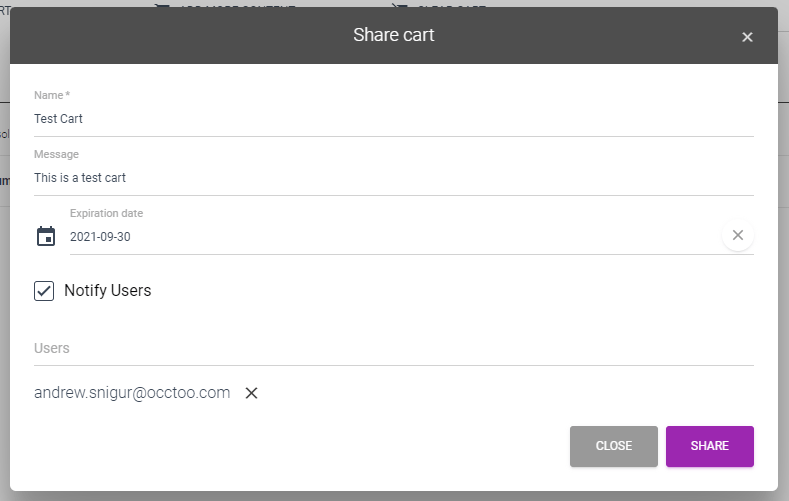
Name the cart and choose users
A window will then pop up where you will be able to choose what you want to name the cart, write a message and choose which users you want to share it with