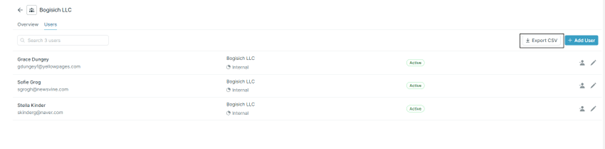
- This chapter will explain how to: Export a list of users to a CSV file.
1
Open the user management page
Start by navigating to the user management page. This can be done by clicking the total number of users in the top menu.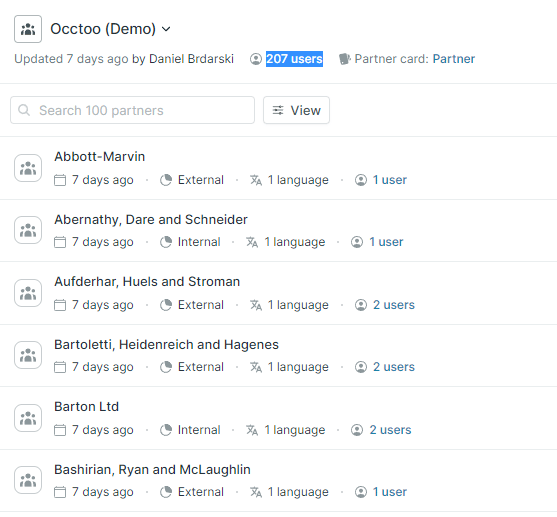
2
Click 'Export CSV'
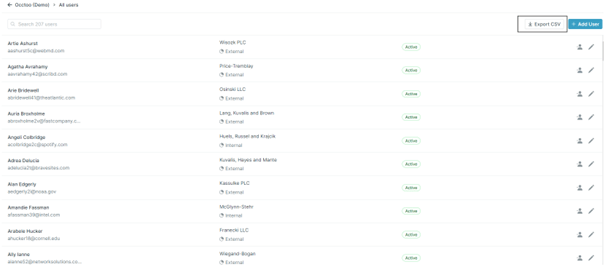
3
Export from a partner view
A list export can also be done from each Partner viewAn export can be done from the ‘Partner user’ view by clicking ‘Export CSV’