

Star a block
1
Open a listing
Go to Sources, Cards, Segments or Destinations.
2
Click the star
Every tile carries a star in its lower-right corner. Click it to add the block to your favorites; click it again to remove it.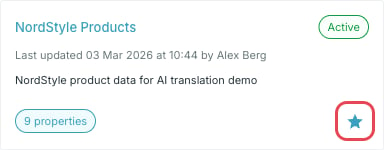
Where they appear
Starred blocks show up under Favorites on the Dashboard, as the same tiles you see in the listings — status, last update, and the block’s own counters.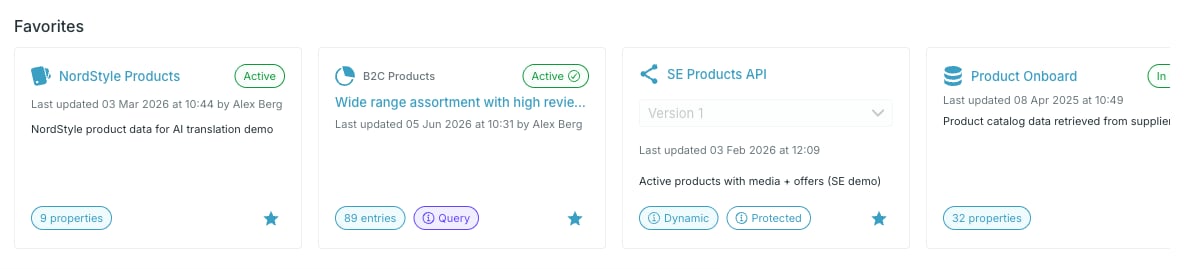
A destination tile carries its version selector. Favoriting a destination stars one specific API version, so a destination with two versions can appear twice.