

Create a list
Each tag list can hold many items, each with a unique key (ID) and a readable label. The display values can be localized as well as plain strings.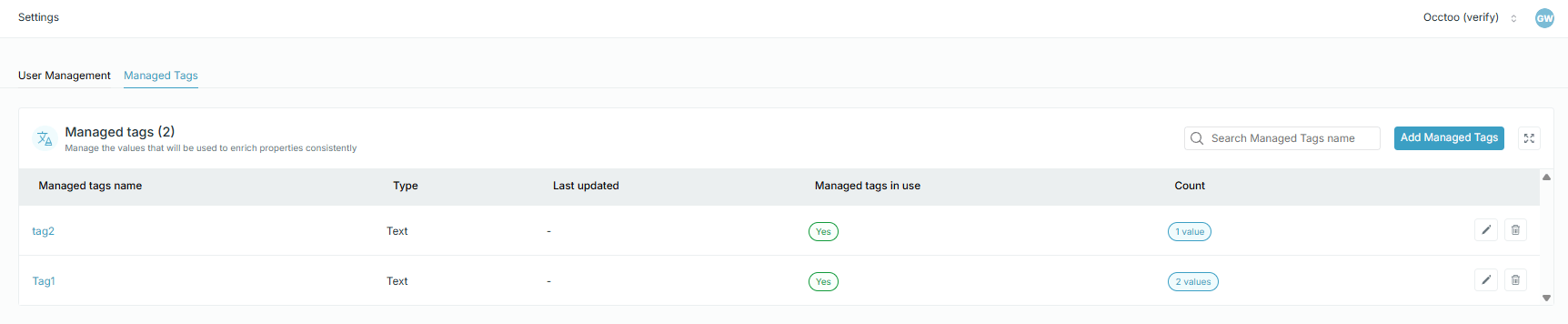
Use a list on a property
To assign a managed tag list to a property, edit the property on its card and choose the list under Assign tag. Use the key of the tag decides whether the entry stores the key or the label — see Update a property.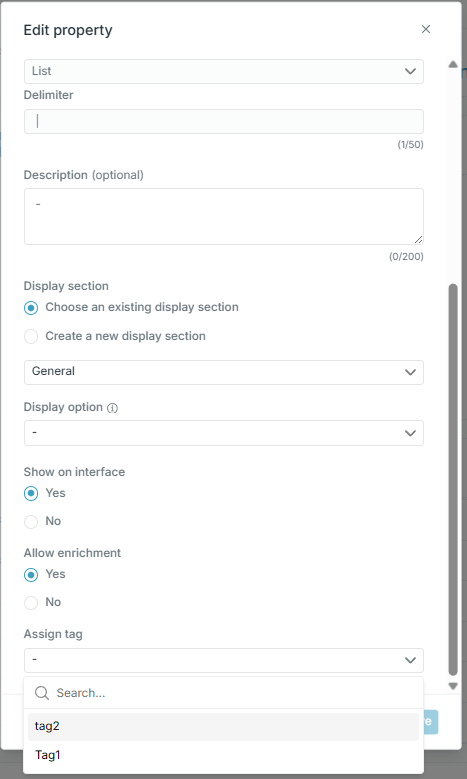
Once a property is bound to a list, entry editing offers the list’s values instead of a free-text field, and filters on that property offer the same values — see Enrich an entry.