

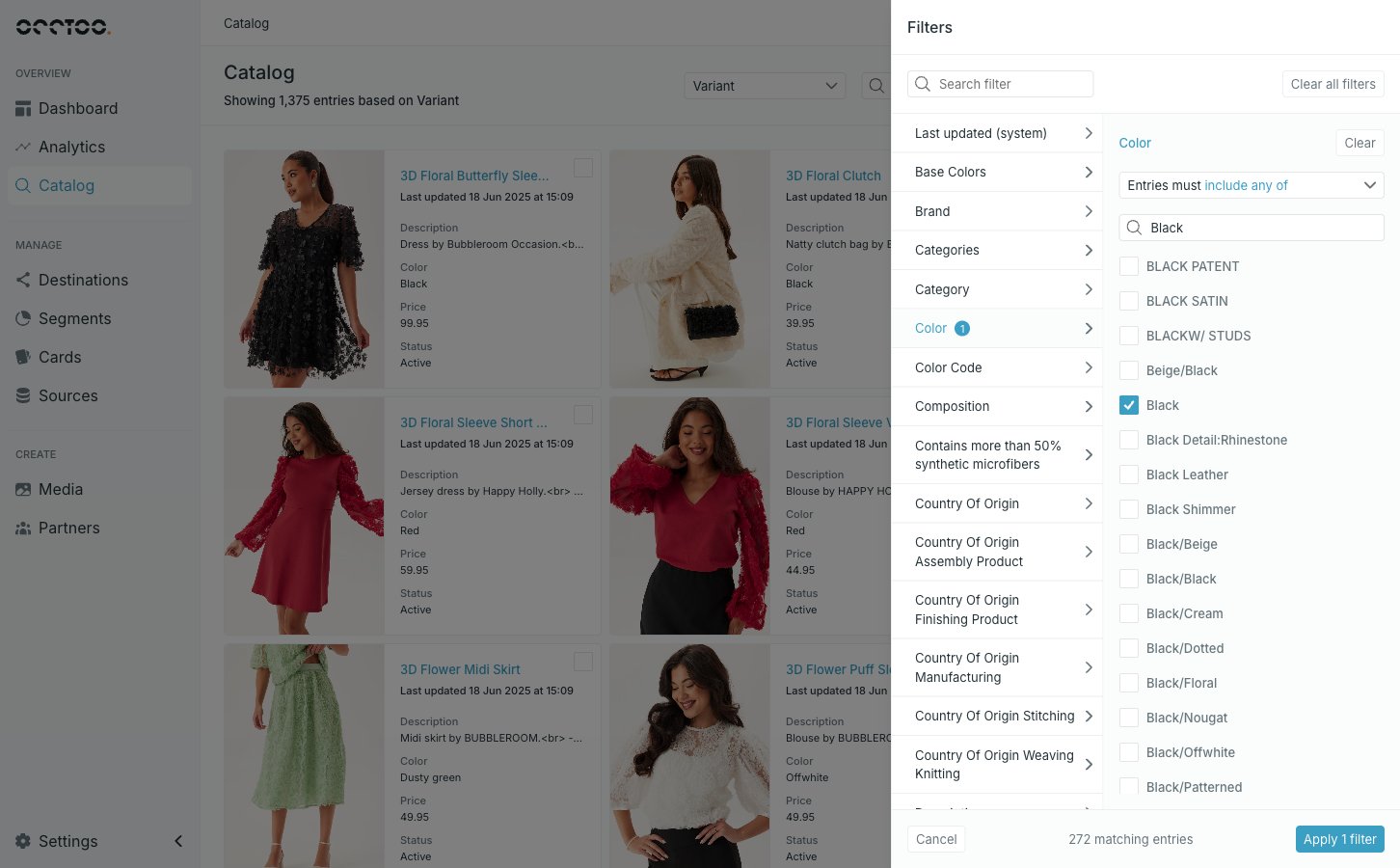
This is the same panel used when building a segment. Filter segment entries documents every operator, the number, date, boolean and relation editors, the Localized content selector, and why some properties are greyed out.
What differs in Catalog
- Filters are not saved. They live on the page while you are on it, and switching card clears them.
- The Filter button carries a badge with the number of applied filters, so you can tell a filtered list from a full one.
- The Localized content selector only appears when the card’s sources carry languages. On a card with no localized data the panel has no language control at all.
Turn a filtered list into a segment
Once at least one filter is applied, Create query segment appears next to Filter.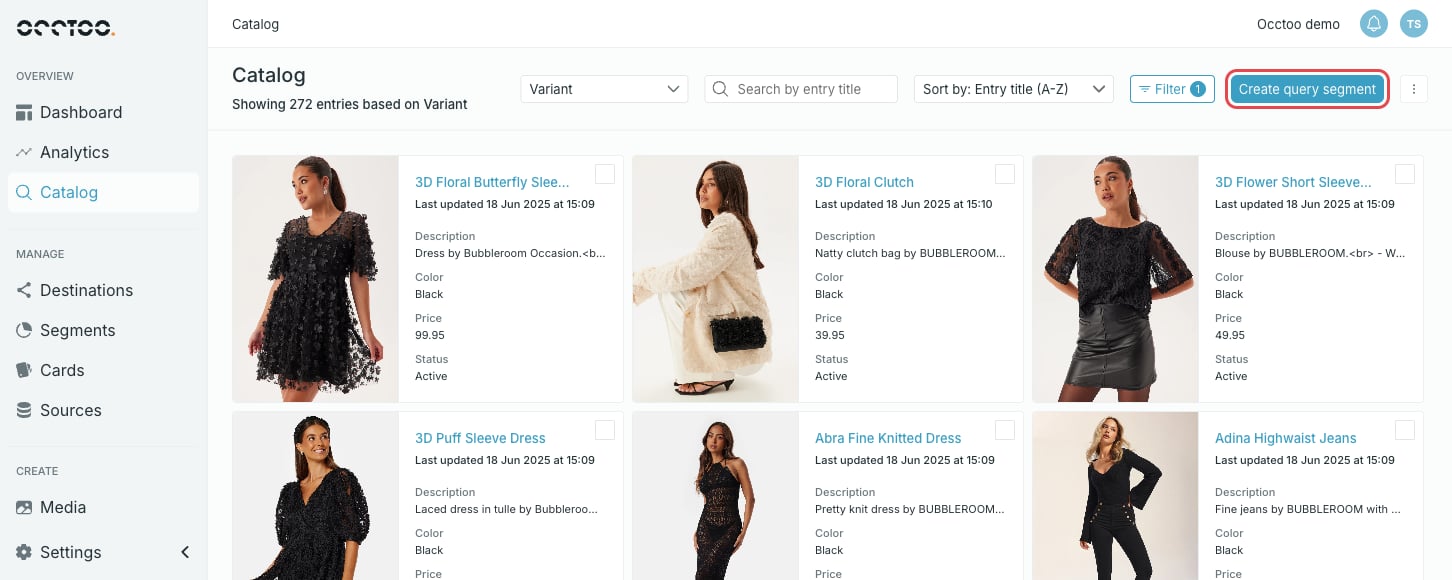
1
Filter the list
Apply the filters that describe the entries you want. The entry count under the heading is the size of the segment you are about to create.
2
Press Create query segment
Studio opens the segment creation form with the card and your filters already filled in, at the Segment details step.
3
Name the segment and save
Fill in the name, description and tags. See Create a segment for the rest of the form.