

Where pending changes are shown
Pending changes are shown in the Status column of the properties table, on the rows that changed.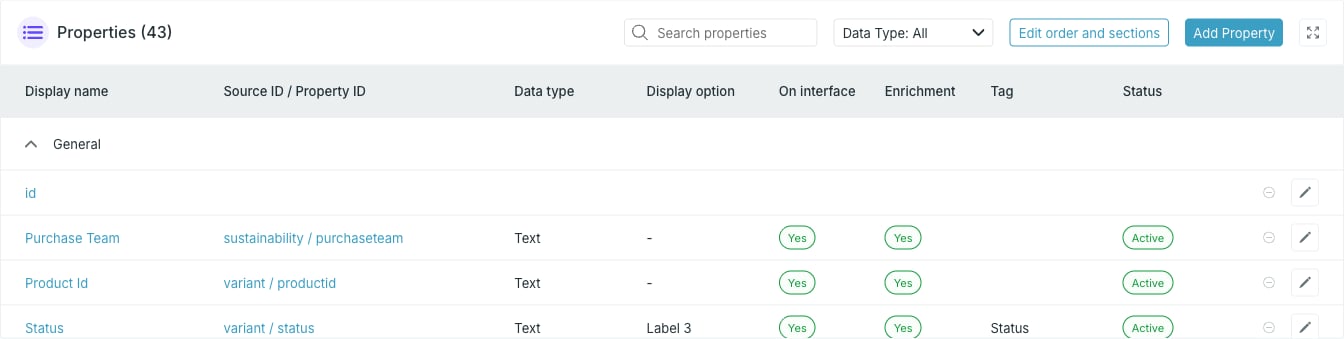
Pending changes and Pending delete mark rows whose edits are not live yet.
On a card that has never been activated, every property is still a pending
addition, so the whole table reads New until you press Activate card
for the first time. The built-in
id property has no status of its own and its
cell stays empty.Revert one change
A row with a pending edit or a pending removal shows a revert button in place of the edit pencil. Pressing it drops that pending change and leaves the property as it is live.You can collect as many pending changes as you like before activating, and
revert them one row at a time.