

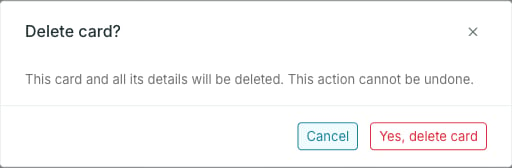
When deletion is blocked
The menu item is disabled when the card is used by a destination, a segment or a relation. To delete such a card, first remove it from every destination and segment, and delete the relations it takes part in. The usage widgets on the card page list everything you need to clear.Deletion is also blocked while the card is Updating.
A card’s status does not by itself prevent deletion. An Active card with no segments, destinations or relations can be deleted; an unused Archived card can be deleted too.