

When removal is blocked
The minus icon is disabled when the property is in use.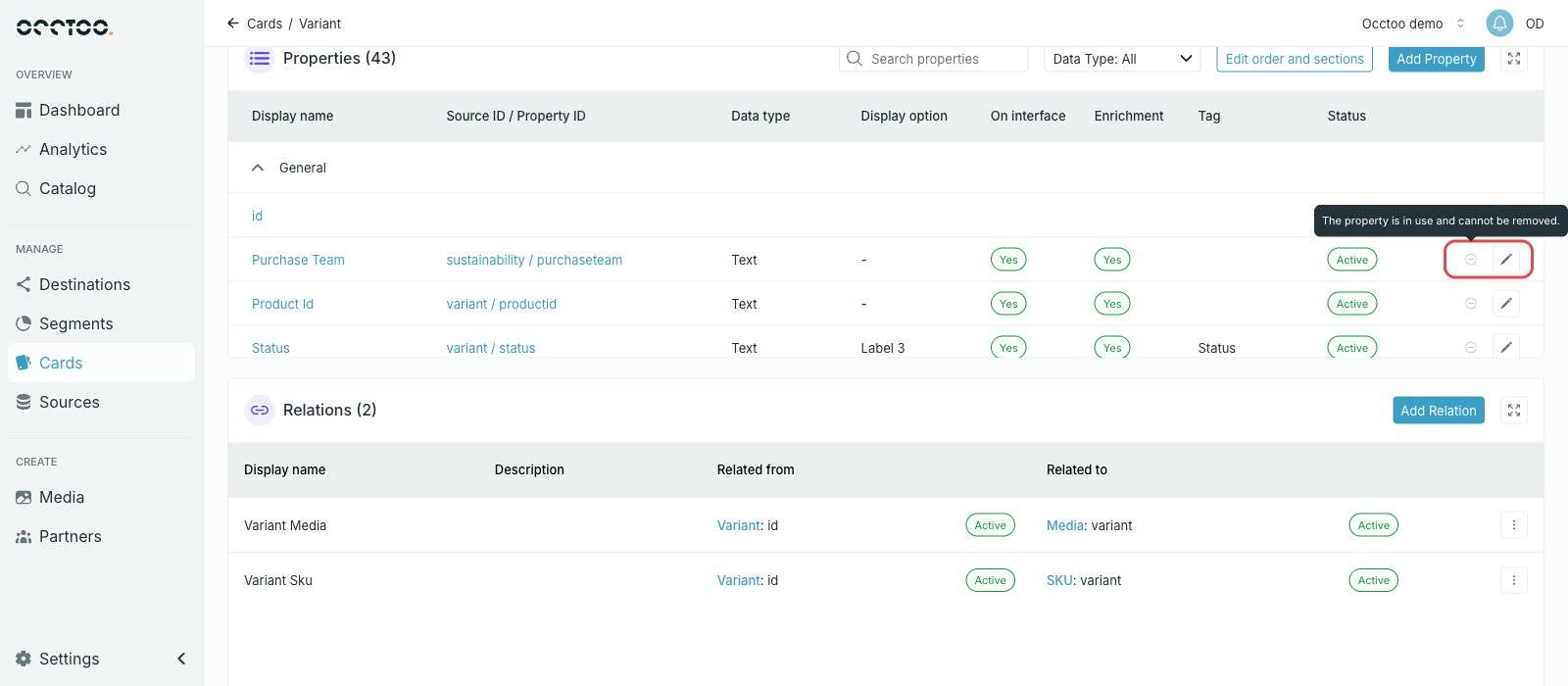
A property counts as in use when something downstream reads it — for example a
segment filter or a destination. Remove it there first, then come back to the
card.
Draft cards versus active cards
- On a Draft card the property is taken off immediately.
- On an Active card the property stays in the table with status Pending delete and is only removed when you press Activate card.