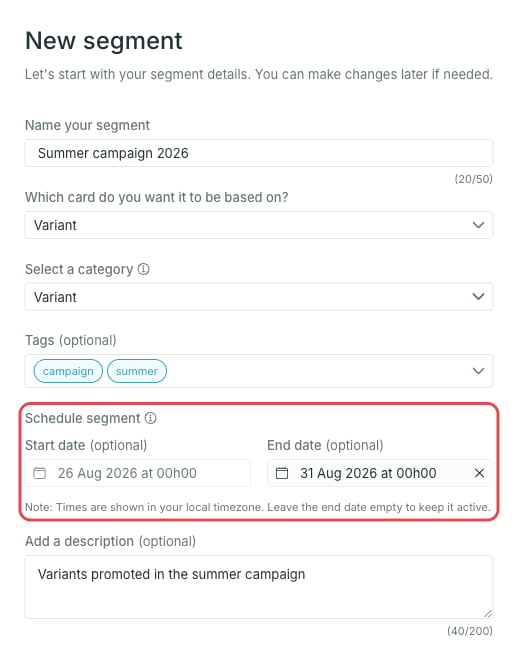
- Start date — optional. Before this date the segment is Scheduled and inactive.
- End date — optional. On this date the segment is archived automatically.
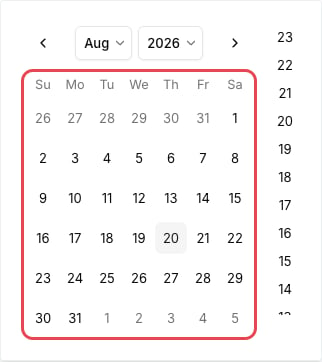
Times are shown in your local timezone. Leave the end date empty to keep the segment active indefinitely.
Segment statuses
The status is shown next to the segment in the list and in the Status tile on the segment page.Change the schedule
Open the segment and press Edit in the Segment details widget. The dialog holds the same start and end date fields.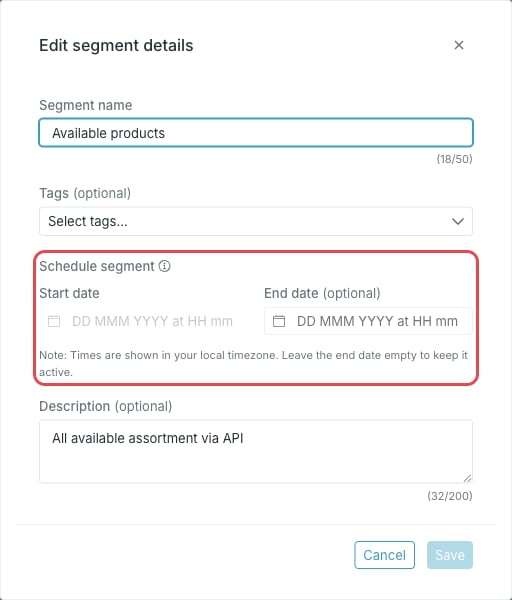
Find scheduled segments
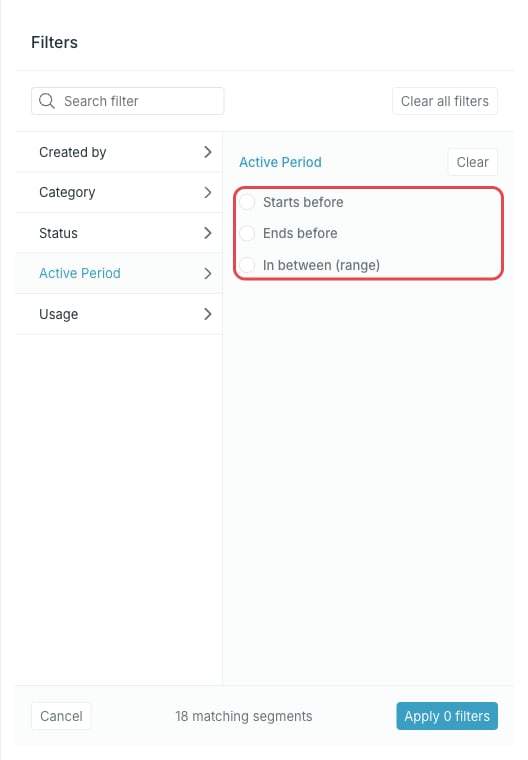
On the Segments page, use Filter to list segments by status, or by Active Period to find segments that start before, end before, or run within a given period.