

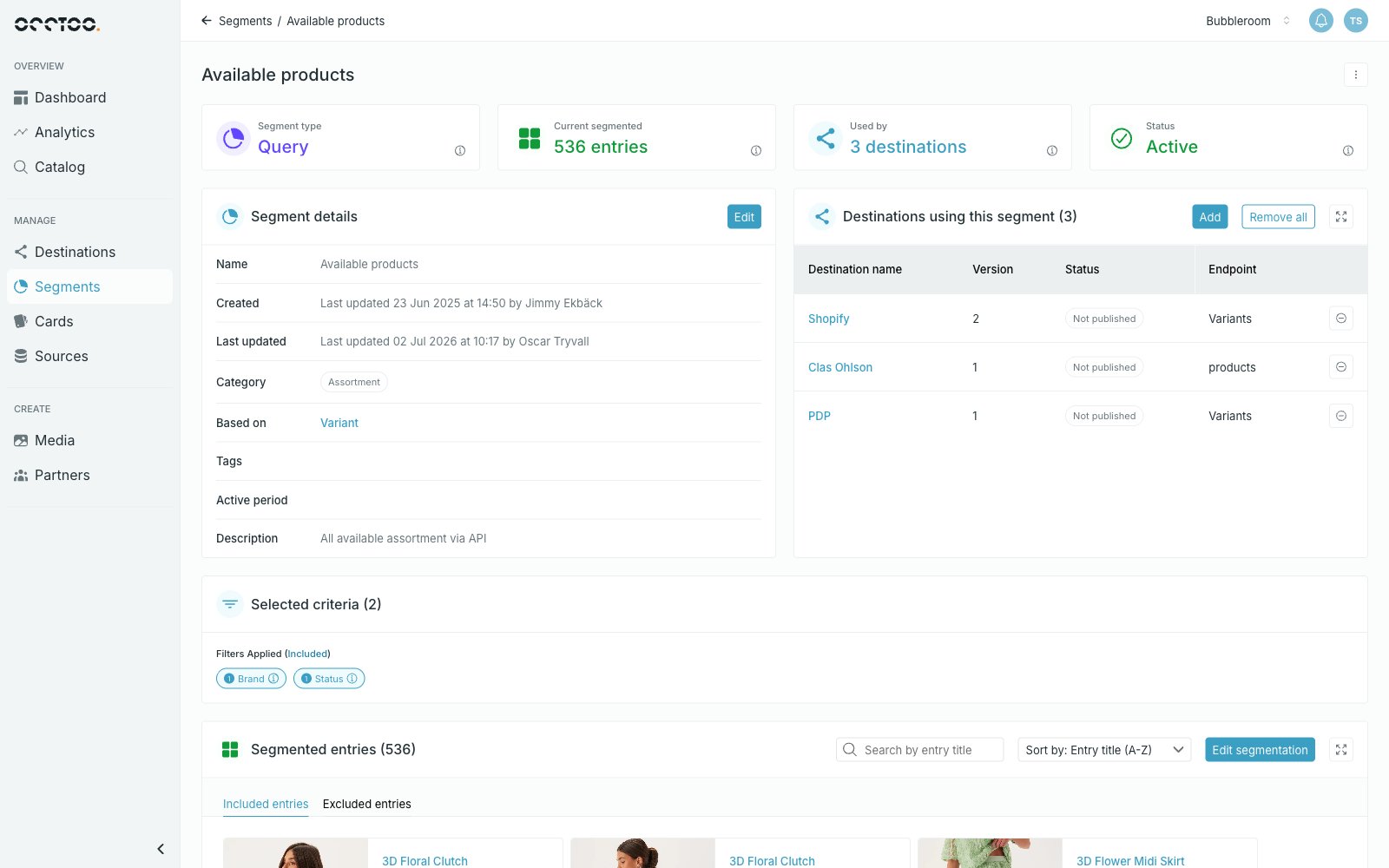
- Search by entry title — look for one entry by its title.
- Sort by — change the order of the entries, for example Entry title (A-Z).
- Included entries and Excluded entries — switch between the entries in the segment and the ones you excluded from the result.
- The expand icon opens the entries in full screen, which is useful for large segments.
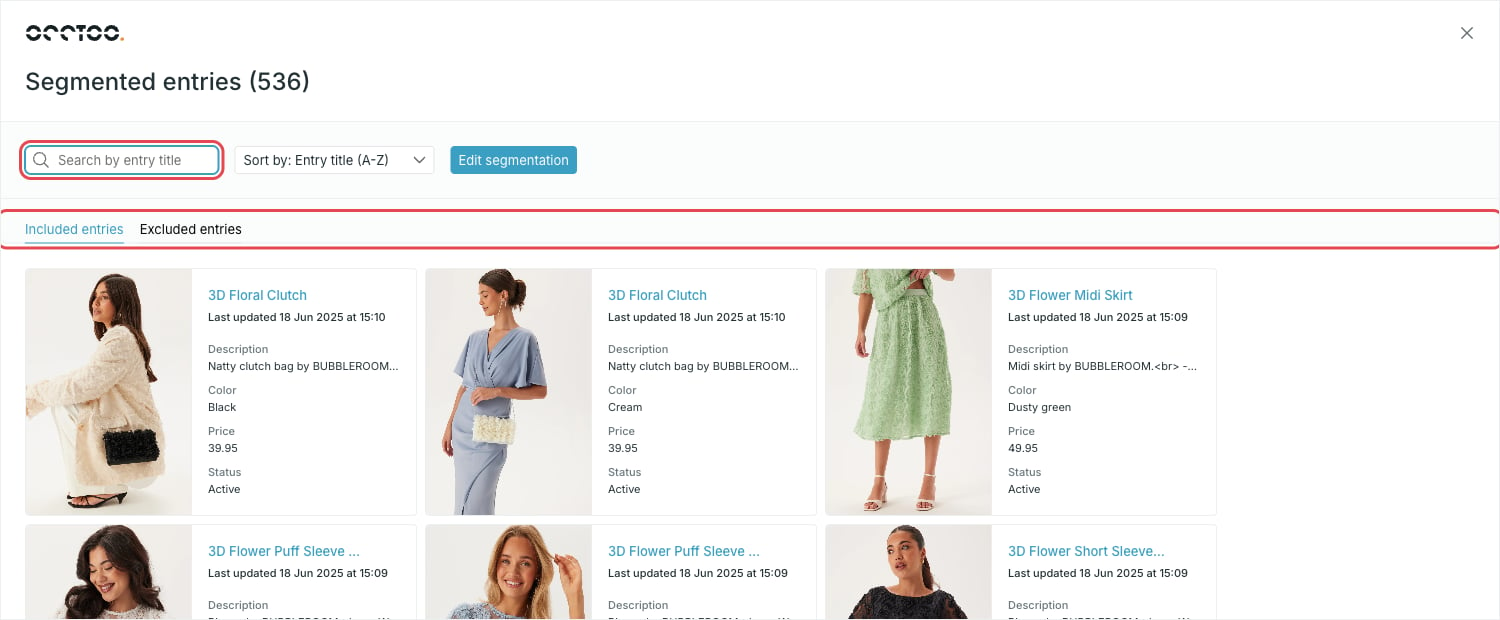
The search matches the property the card uses as its entry title — the one set with Select as card name. That property needs full-text search enabled among its source property capabilities for partial matches to work.