

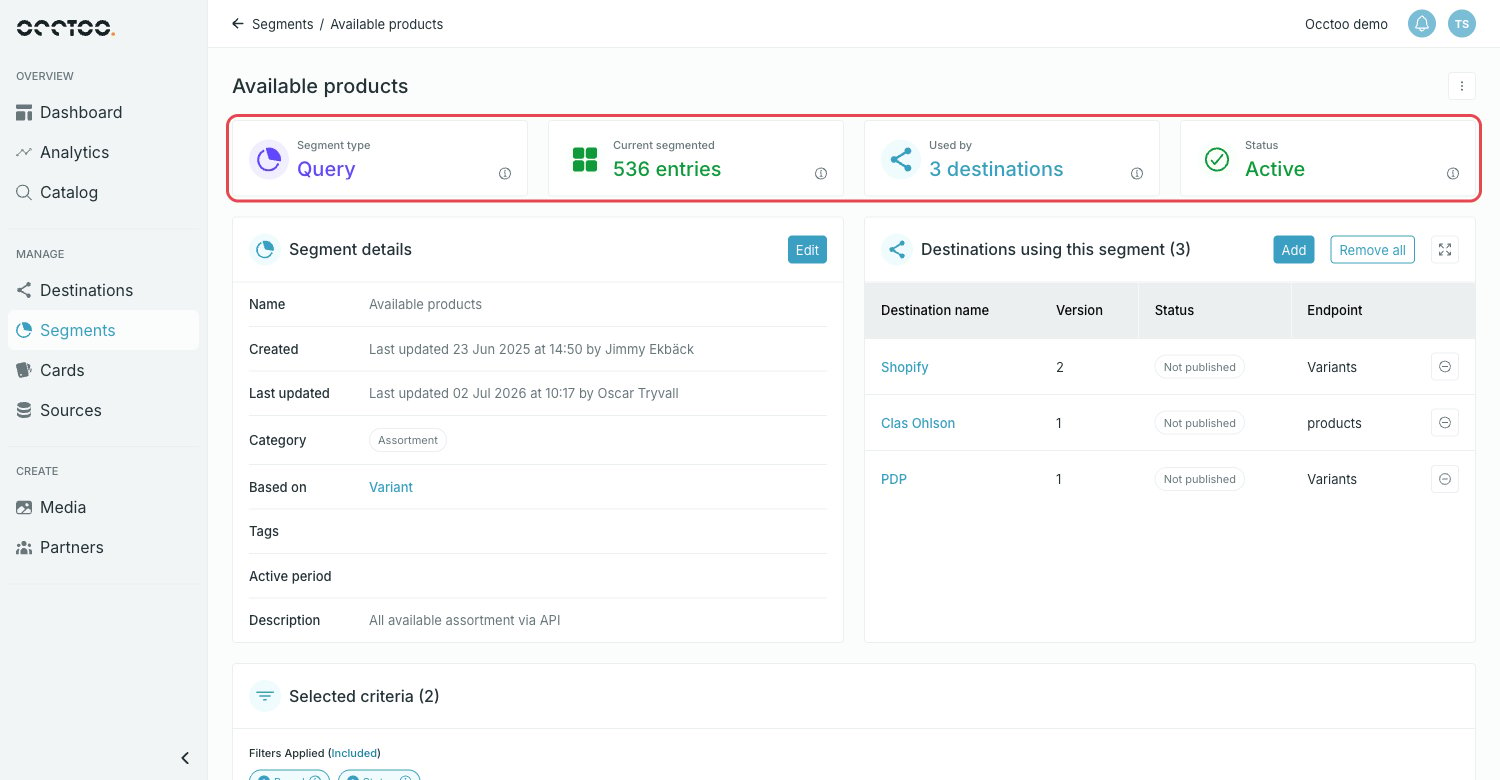
- Segment type — Query or Fixed.
- Current segmented — how many entries the segment holds right now.
- Used by — how many destinations consume the segment.
- Status — Active, Scheduled, Initializing or Archived.
Segment details
The Segment details widget holds the metadata: name, who created it and when, who last updated it, the category, the card it is based on, tags, active period and description. The card name links to the card definition.Selected criteria
Selected criteria lists the filters the segment is built on. Select a chip to see the operator and the values behind it.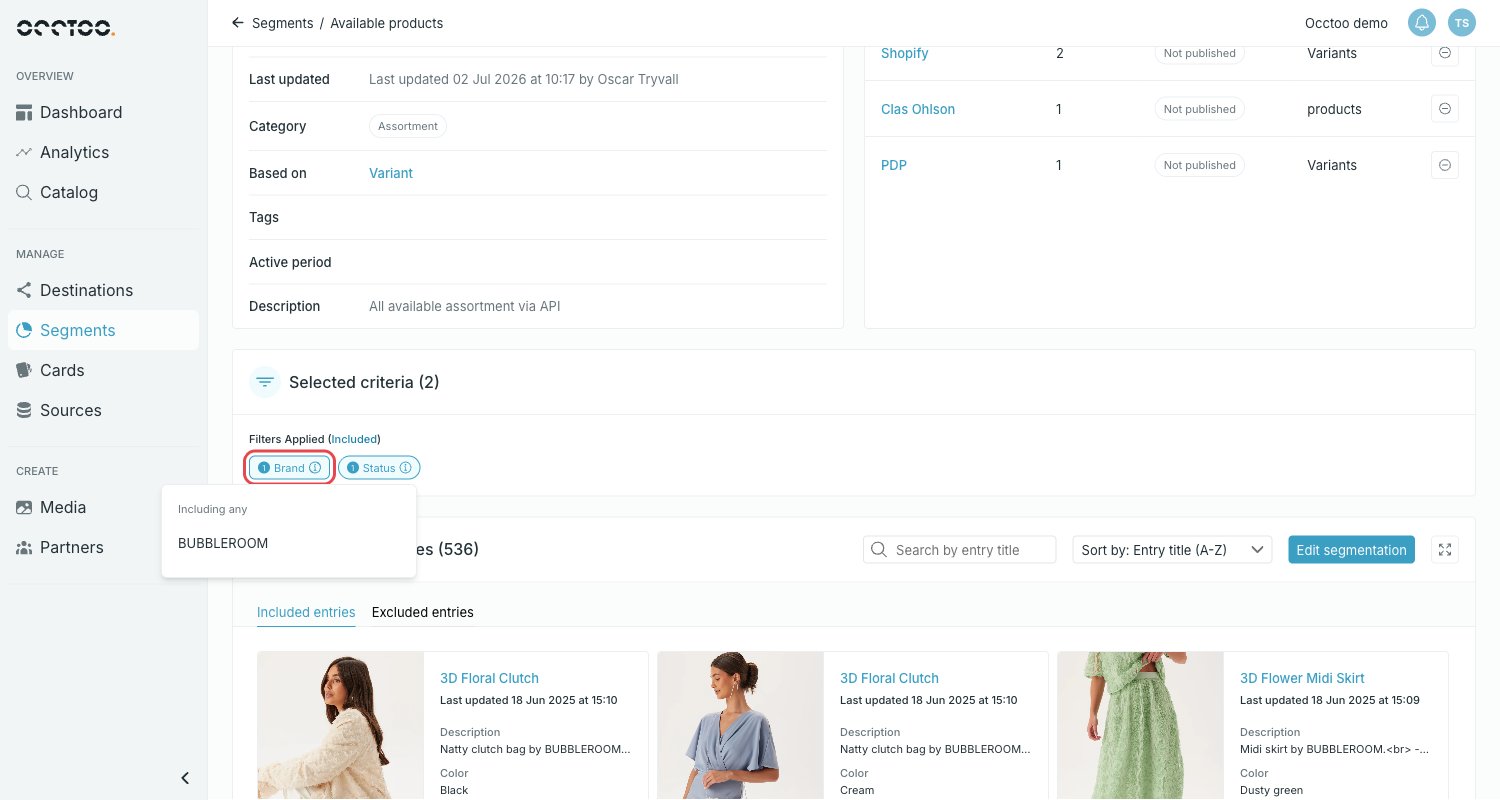
Destinations using this segment
The widget lists every destination that consumes the segment, with the destination version, the publish status and the endpoint the segment sits on.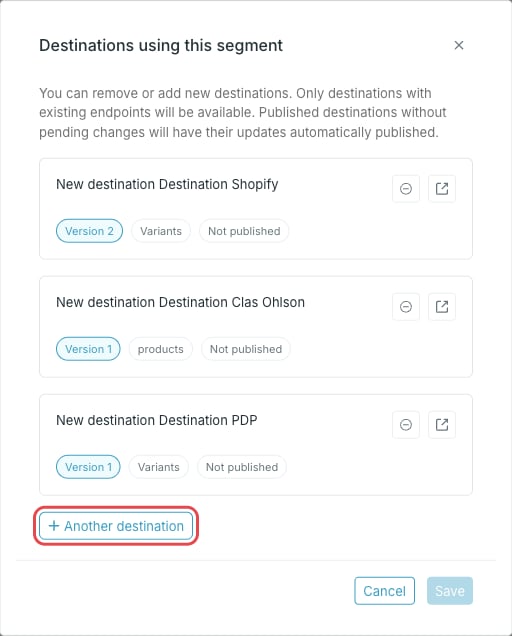
- Add — connect the segment to another destination, or remove it from one.
- Remove all — disconnect the segment from every destination.
- The minus icon on a row removes the segment from that destination.
Only destinations with existing endpoints are available. Published destinations without pending changes have their updates published automatically.