

1
Open the version selector
In the destination header, open the version selector.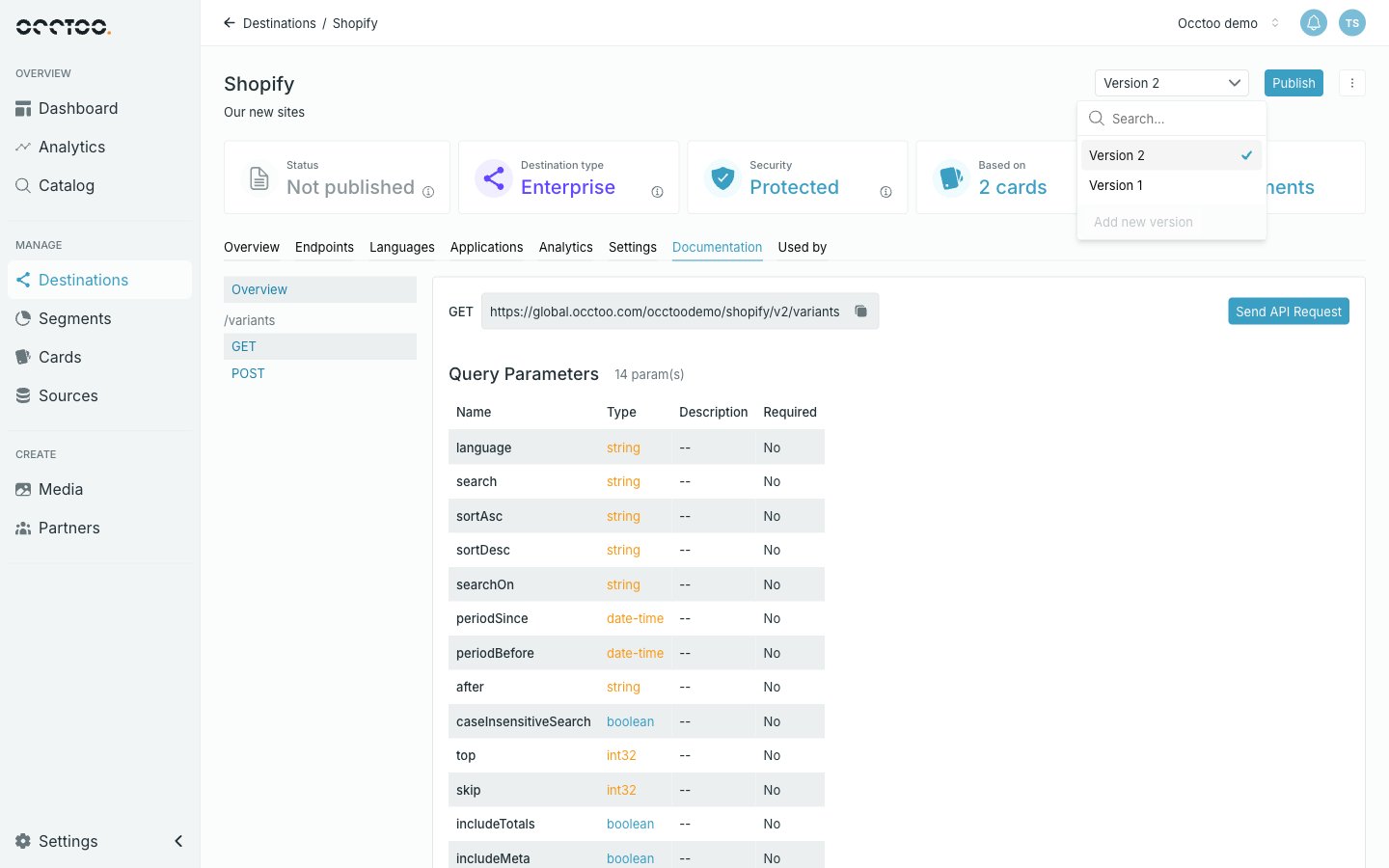
2
Add the version
Click Add new version at the bottom of the list, then Add version in the dialog.The version is numbered for you — the next number up — and the name is not editable.
.../{safe name}/v{number}.
When you cannot add one
Add new version is disabled while the destination already has an unpublished version. Publish or delete that one first — a destination carries at most one version in flight.The version selector lists every version of the destination, newest first, and carries a search box. Switching versions from here reloads the page against that version.