

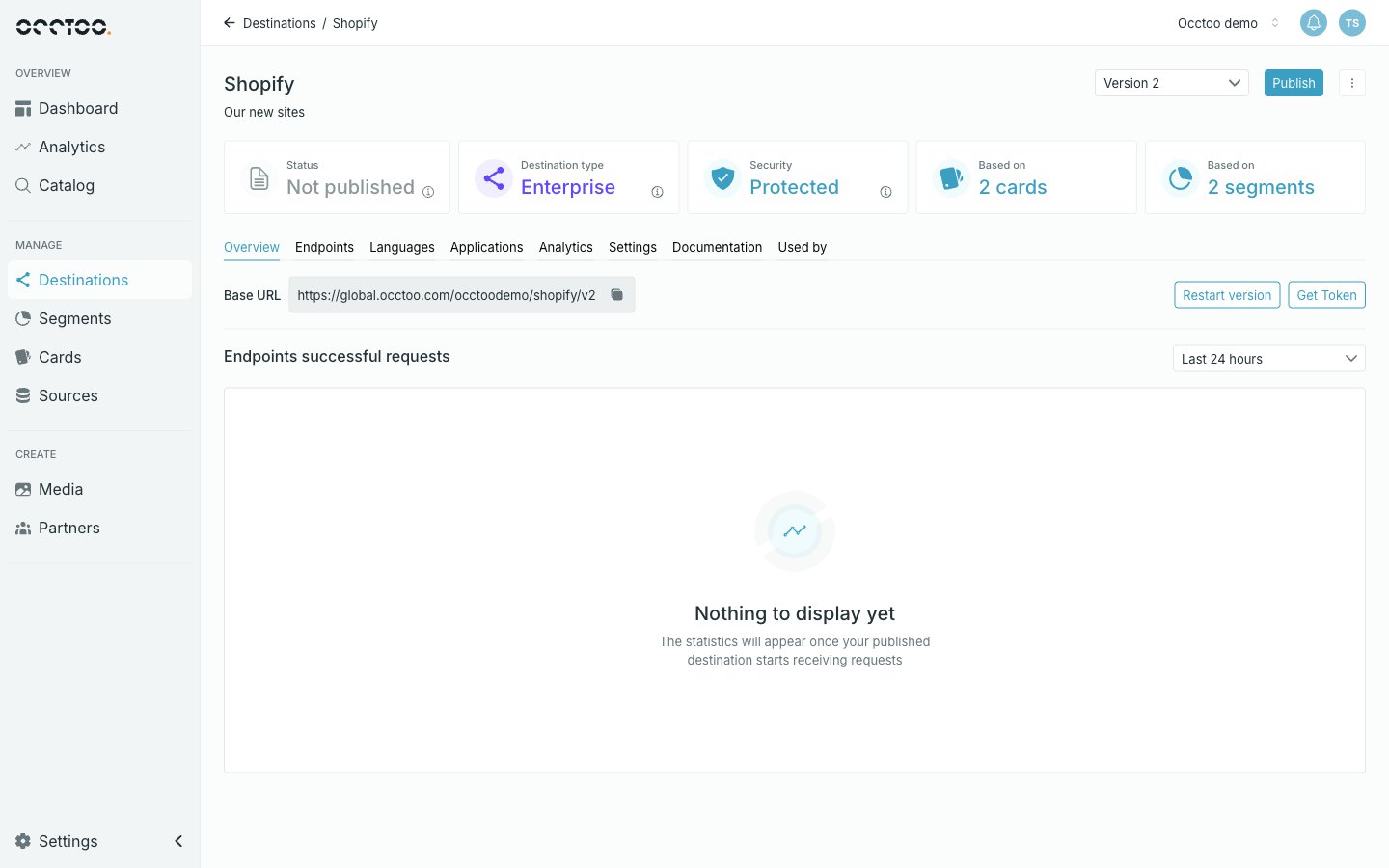
The header
The display name and description sit on the left. On the right:- Version selector — switches between versions of this destination, and offers Add new version. See Create a version.
- Publish — publishes the current version. It disappears once the version is published with nothing outstanding. See Publish a destination.
- ⋮ — Edit the version’s name and description, or Delete version.
The tabs
Applications only appears on a Protected version — a Public API has
nothing to authenticate.
Overview
Base URL is the address every endpoint of this version hangs off, with a copy control. Append the endpoint’s identifier to reach an endpoint. Restart version and Get Token sit next to it — Get Token fetches an access token for a registered application so you can try the API without leaving Studio. Below it, Endpoints successful requests charts traffic per endpoint over a period you choose. A version that has never been published has nothing to chart.Settings
A read-only summary: Name, Created, Last updated, Version ID (with a copy control), Version, Authentication, Description and Regions, with the default region marked.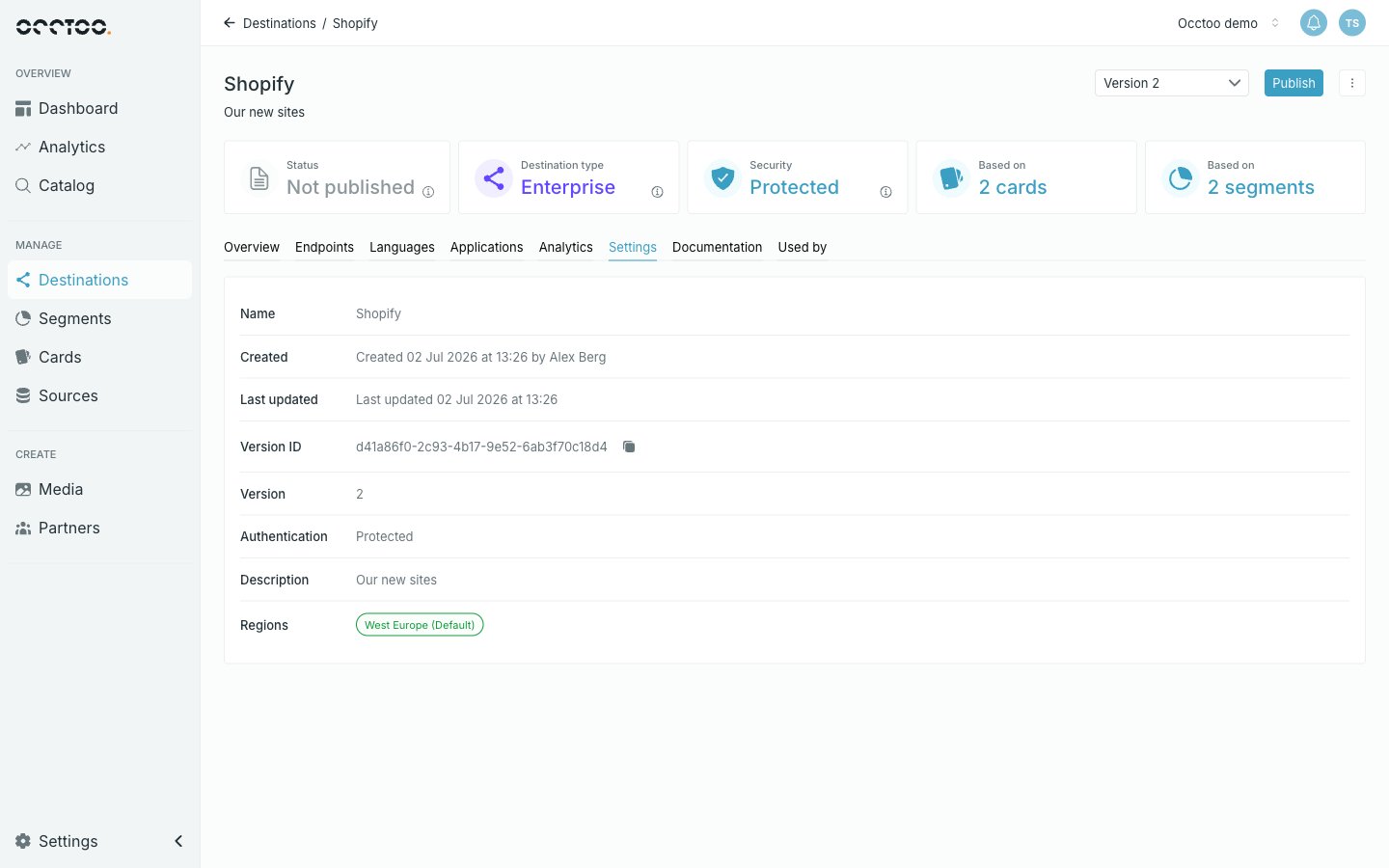
Nothing on this tab is editable. Name and description are changed from
Edit in the header menu; languages and regions from their own tab and at
creation.