

1
Press New data source
On the Sources tab, press New data source in the upper right corner.
2
Fill in the details
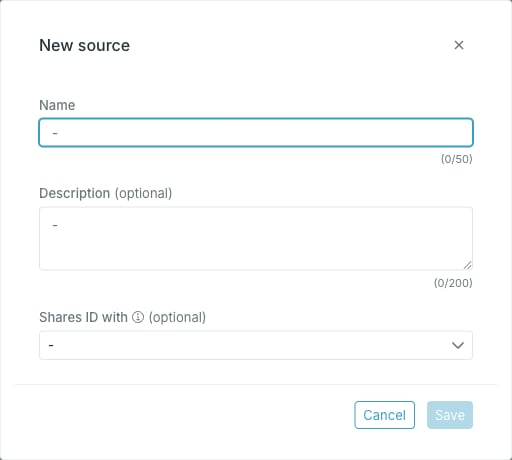
- Name — required, and unique across sources.
- Description — optional.
- Shares ID with — optional. The sources whose entry IDs match this one’s. You can leave it empty and set it later.
There is no identifier field. Occtoo derives the source identifier from the name: it strips any leading non-letters and camel-cases the rest, so “Variant from PIM” becomes
variantFromPim. That identifier is what the ingest API and destinations use.3
Save
Press Save. Save stays disabled until you change something. Occtoo creates the source and opens it, so you land straight on the new source page.