

1
Find the property
Open the source and find the row in the Properties widget. The remove icon is the second button on the row.
It is disabled while a card uses the property, and while the property is not Active.
2
Confirm
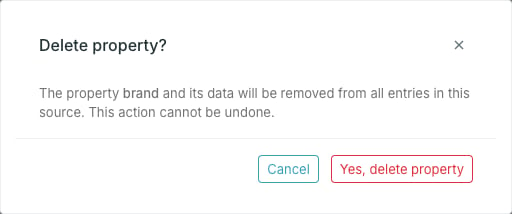
3
Press Yes, delete property
The property shows status Deleting until the removal finishes.
When delete stays disabled
Only live cards block a deletion, so the remove icon lines up with what the Used by column shows: a property listing cards there cannot be deleted, and one showing— can. References from cards that have since been deleted do not count.