

1
Open the provider menu
On the Data providers tab, press the menu on the provider you want to change.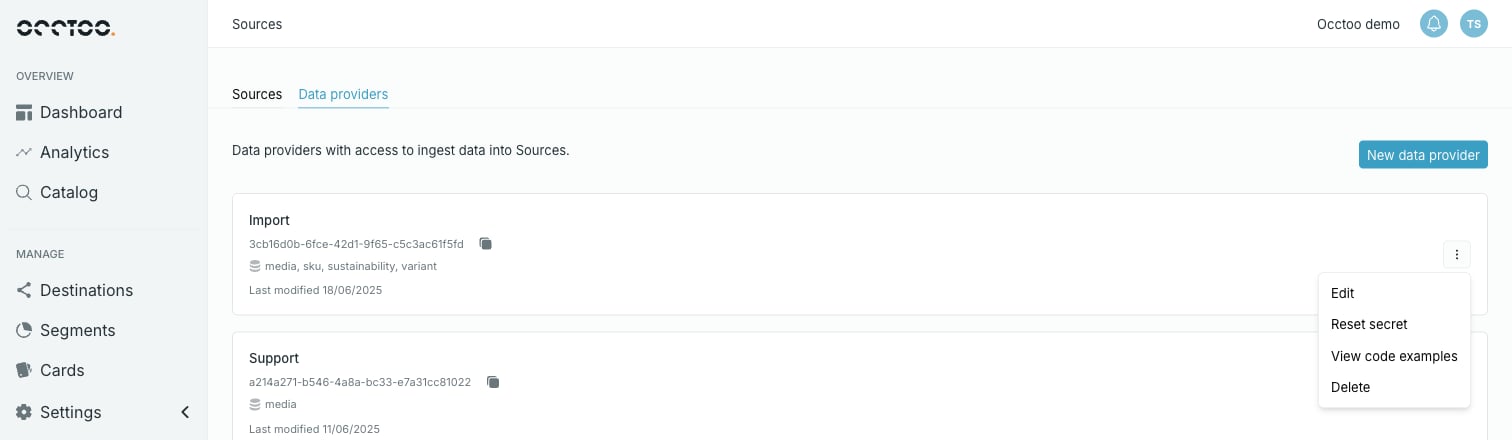
2
Press Edit
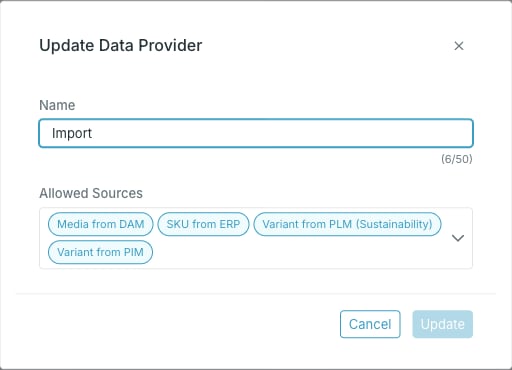
- Name.
- Allowed Sources — add or remove sources. Each allowed source appears as a chip; removing a chip revokes the provider’s access to that source.
3
Press Update
Update stays disabled until you change something.
The provider ID does not change when you rename a provider, so integrations keep working.