

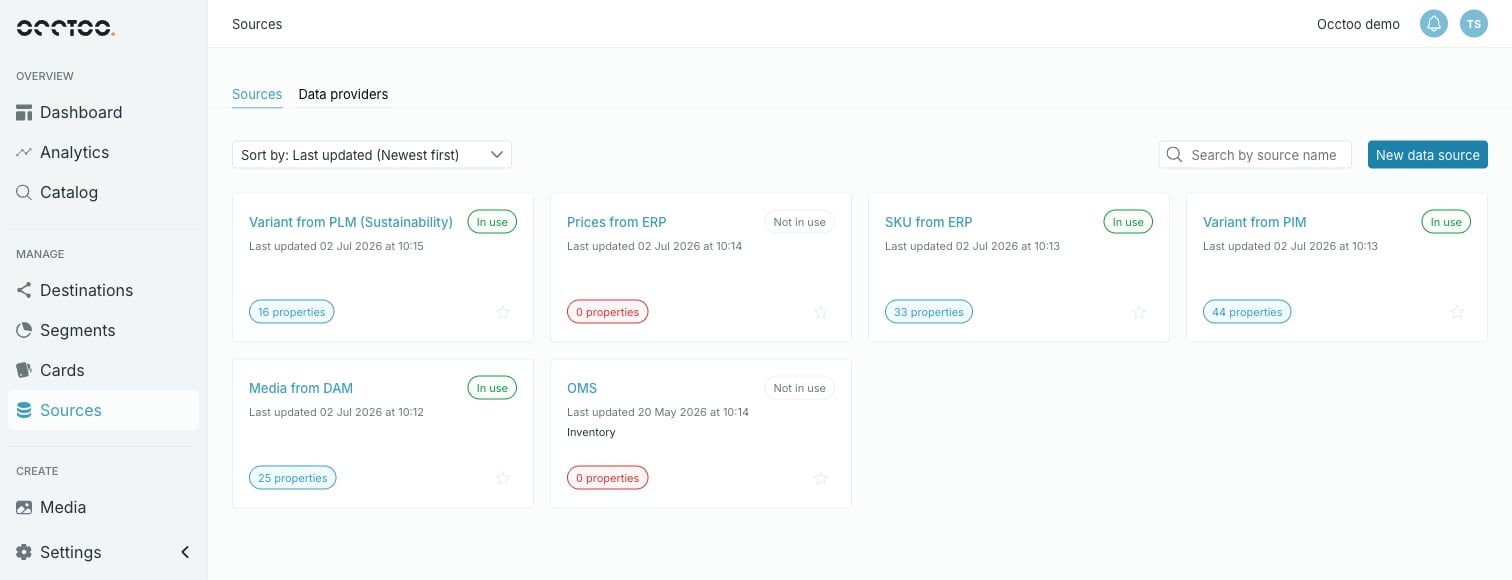
What a source card shows
- The source name, which opens the source.
- In use or Not in use — whether any card is built on this source.
- Last updated with a date and time.
- The description, if the source has one.
- A property count badge. 0 properties is called out, and means nothing has been onboarded and no properties have been defined yet.
- A star, which adds the source to your favourites.
Sort
Sort by offers four orders. The default is Last updated (Newest first).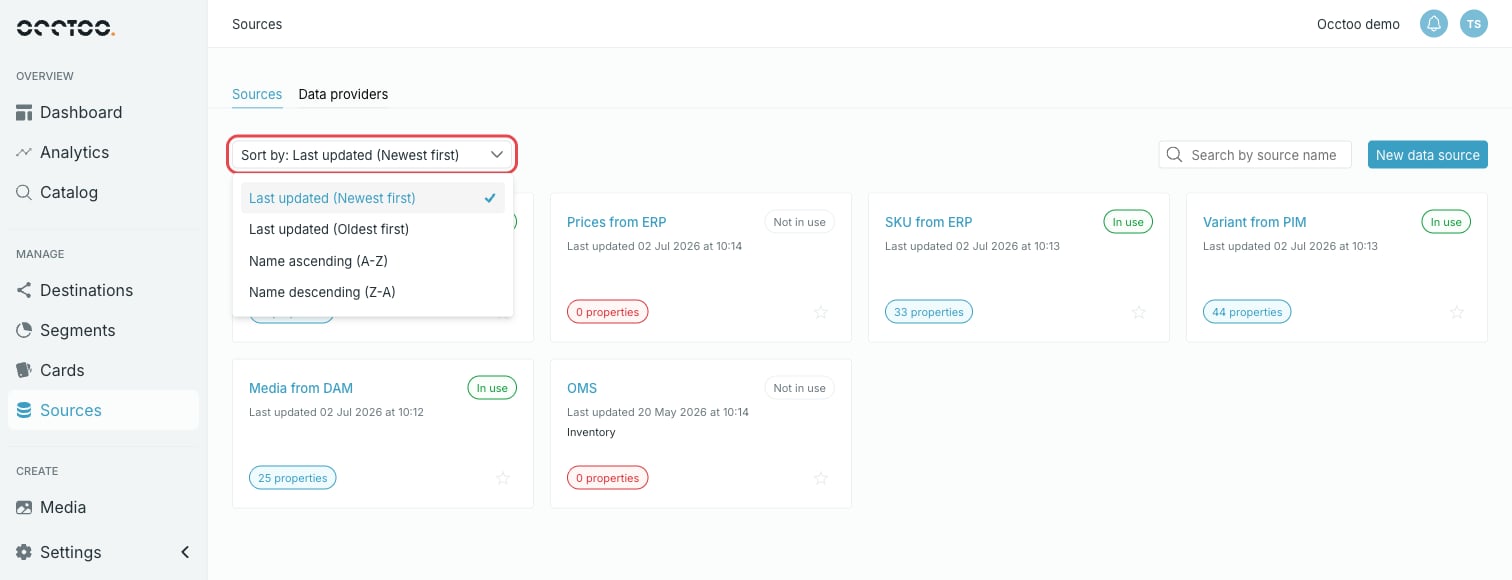
- Last updated (Newest first)
- Last updated (Oldest first)
- Name ascending (A-Z)
- Name descending (Z-A)
Search
Search by source name filters the list as you type. It matches anywhere in the name, not only the start.The search covers source names only. To find a source by what is in it, open
the source and search its entries — see Browse and search
entries.