

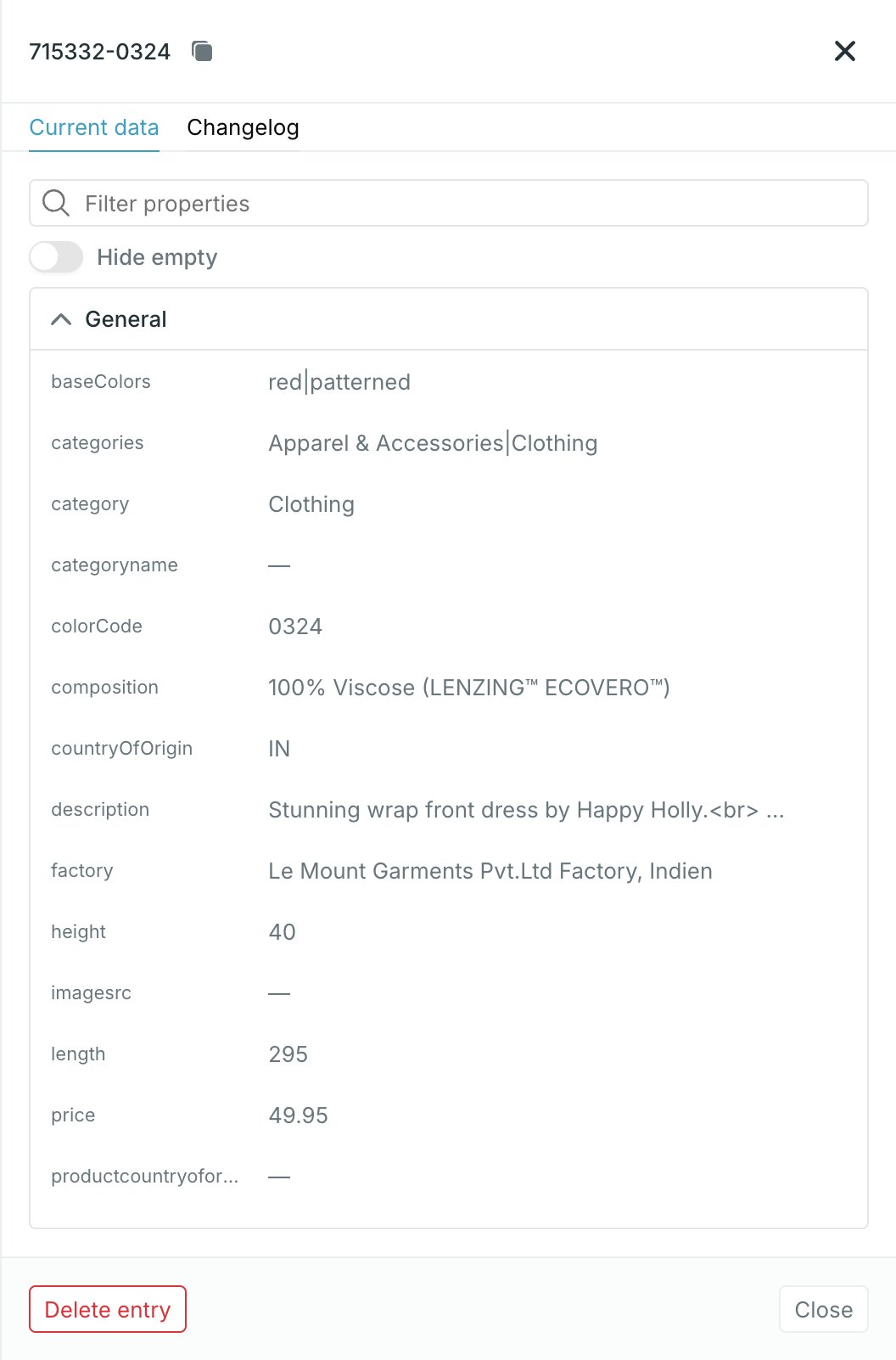
What the panel holds
- The entry ID in the header, with a copy button.
- Two tabs: Current data and Changelog.
- Delete entry and Close in the footer.
Unlike the entries table, which columns only the first six properties by
display order, the panel shows all properties.
Current data
Every property on the entry, grouped into the source’s display sections, with a row of filters above. Sections come from the property’s display section — see Display sections and order. A property with no value shows—. A localized property shows one row per language the source has seen, each tagged with its language code. Hovering a value reveals a copy button.
Property keys that arrived on the entry but are not defined as source
properties land in General, so nothing the source sent is hidden from you.
Filter properties
Filter properties matches on both the property ID and the display name, and hides sections left with nothing in them. No match shows No properties match your filter.Hide empty
Hide empty drops every value the entry has nothing in. A property whose values are all empty disappears entirely, and a section left with no properties disappears with it — so a source with hundreds of properties collapses to what this entry actually carries. On a localized property only the empty language rows go; the languages that have a value stay.Filter by language
The language select next to Hide empty lists All languages plus every language the source has spotted. Picking one leaves a localized property showing that language only. Values that are not localized are not language-specific, so they stay whatever you pick.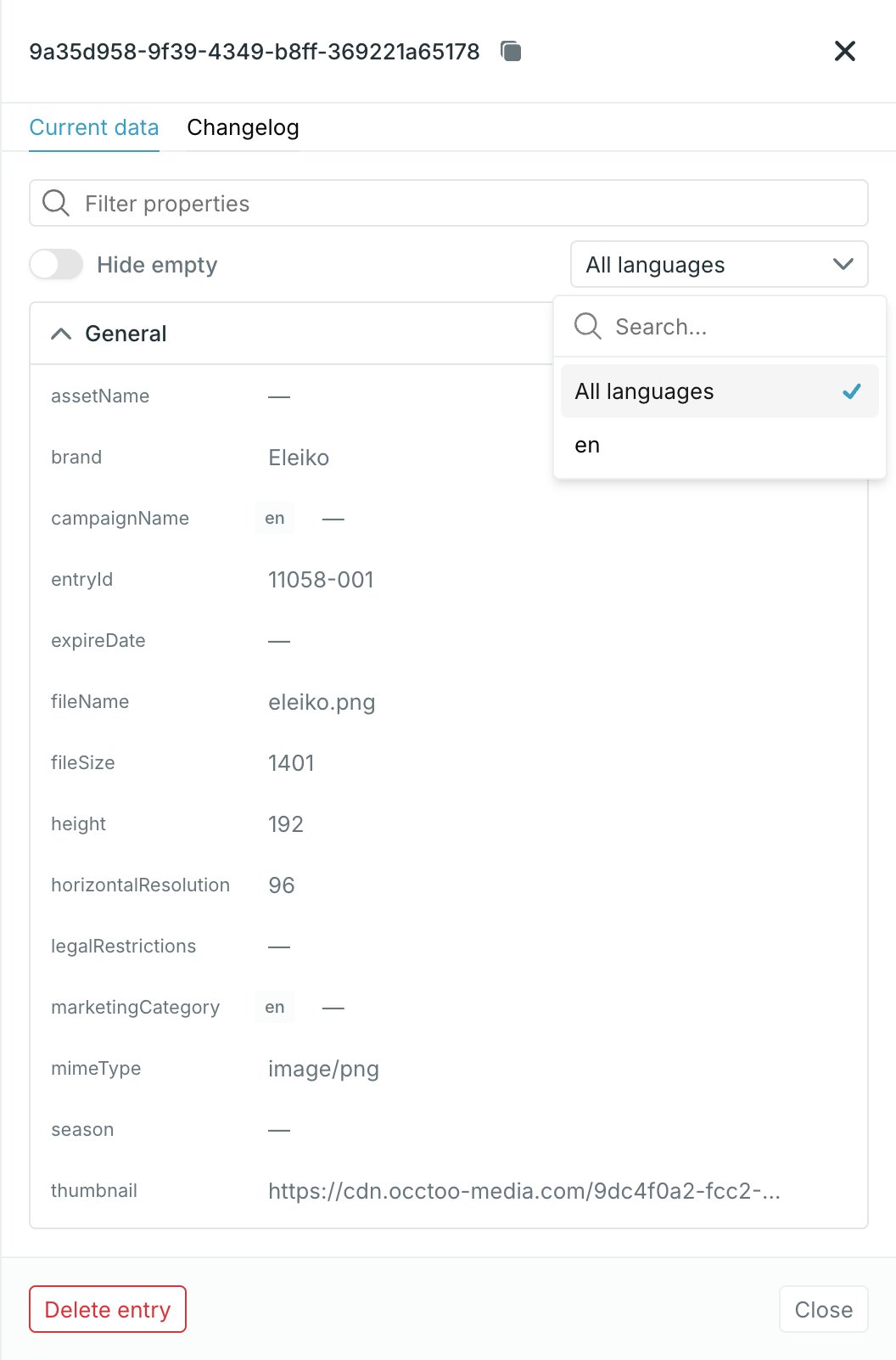
The three filters combine: search narrows to matching properties, Hide
empty removes what is blank in them, and the language picks which localized
rows remain.
Changelog
The Changelog tab lists changes newest first, labelled Added, Updated or Removed. Each row shows the property, the before and after values, when it happened, and who or what made the change — a data provider or a Studio user. An entry with no recorded changes shows No change history yet.A change credited to a data provider came from an ingest run. A change
credited to a Studio user came from enrichment on the entry in the Catalog —
see Enrich an entry.
Changing a value
There is no way to type over a value here. There are two ways to change what an entry holds:- Change it at the source of the data and let it onboard again — see Import data.
- Edit the value on the entry in the Catalog, where properties the card allows enrichment on are editable — see Enrich an entry.