

1
Check that the source can be deleted
Open the source and press the menu in the top right corner.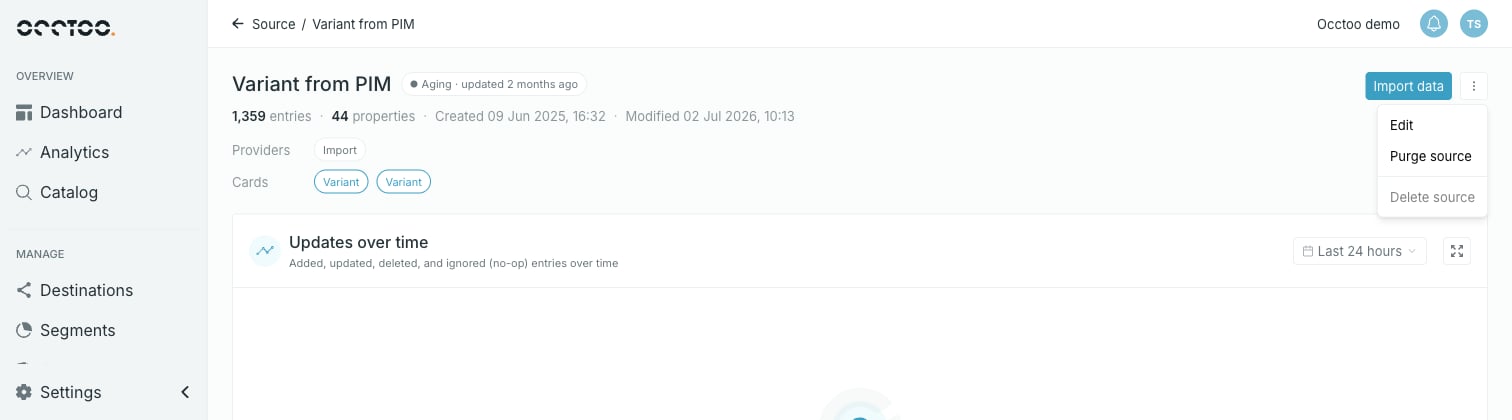
To clear the blockers: purge the source to remove its entries, remove the source from any card built on it, and remove it from the Allowed Sources of every data provider that lists it.
2
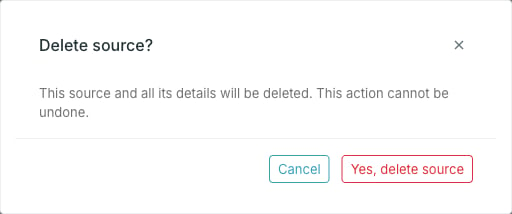
Press Delete source
3
Press Yes, delete source
Studio returns you to the source list.
Deleting is unavailable while a purge is running.